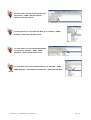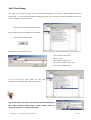
1
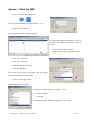
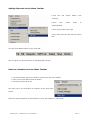
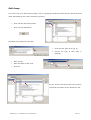
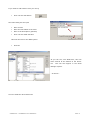
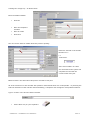
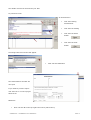
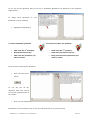
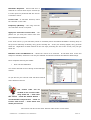
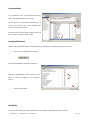
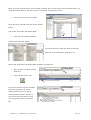
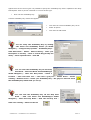
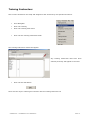
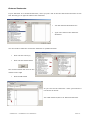
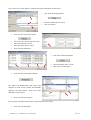
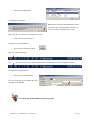
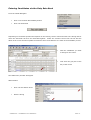
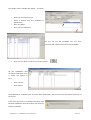
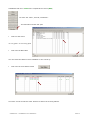
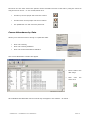
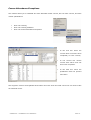
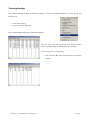
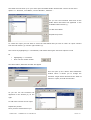
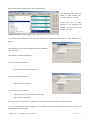
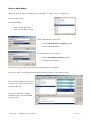
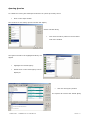
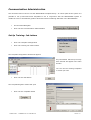
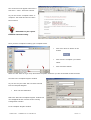
Adding Shortcuts to the Menu Toolbar
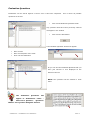
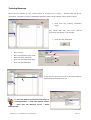
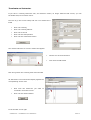
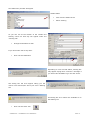
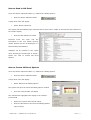
Click
the
left
mouse
button
onto
mouse
down
to
‘Training’
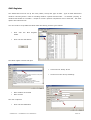
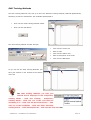
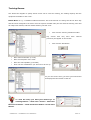
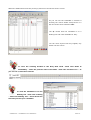
Move
your
‘Administration’
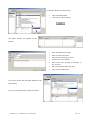
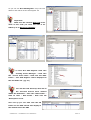
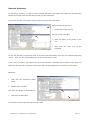
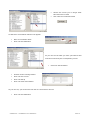
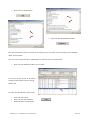
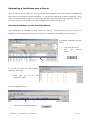
Move your mouse to the right
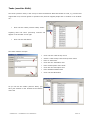
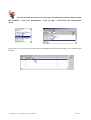
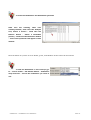
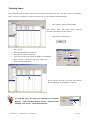
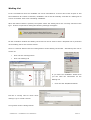
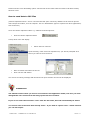
Move down and left click onto the ‘Menu
Bar’
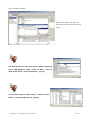
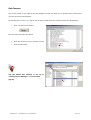
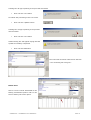
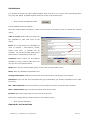
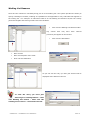
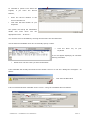
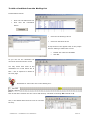
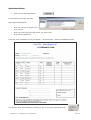
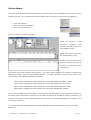
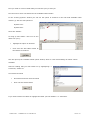
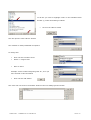
You have now added ‘Setup’ to your menu bar.
This now gives you shortcut access to anything within ‘Setup’
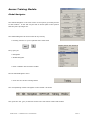
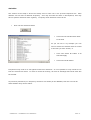
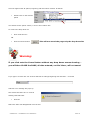
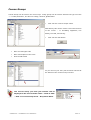
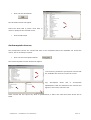
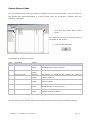
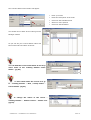
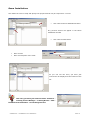
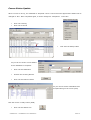
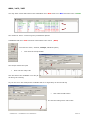
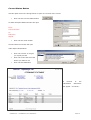
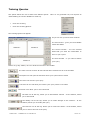
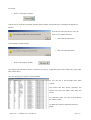
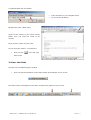
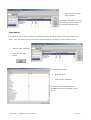
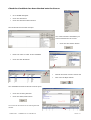
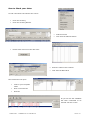
Remove a Module from the Menu Toolbar
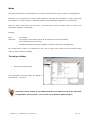
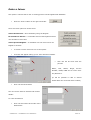
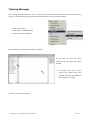
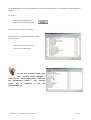
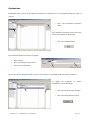
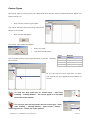
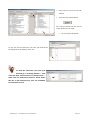
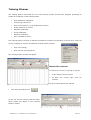
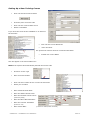
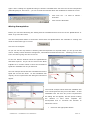
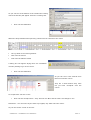
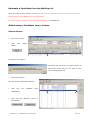
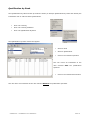
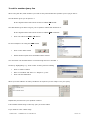
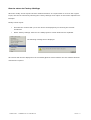
Left click onto the module you want to remove from the menu toolbar
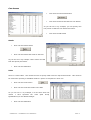
Move your mouse down the list of options
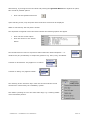
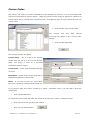
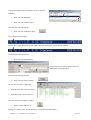
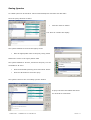
Left click onto the Menu Bar
The menu bar is at the bottom of majority of the drop down
menus
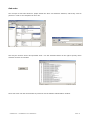
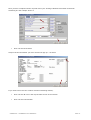
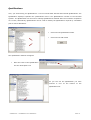
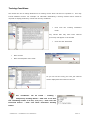
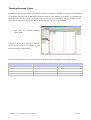
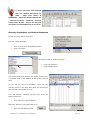
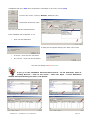
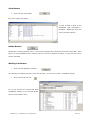
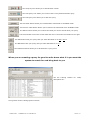
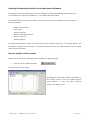
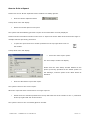
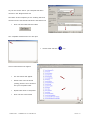
Follow the same procedure as shown above to close any modules or sub-menus
SOPHTLOGIC – COMMERCIAL IN CONFIDENCE
PAGE: 7