1
3 Navigating in the OTOsuite Audiometry Module
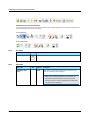
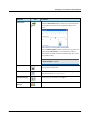
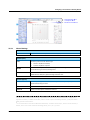
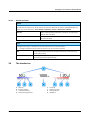
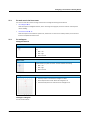
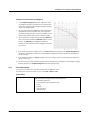
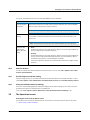
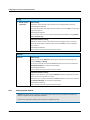
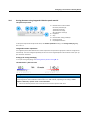
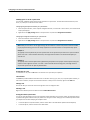
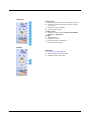
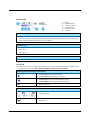
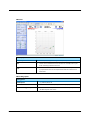
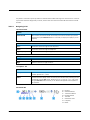
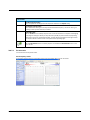
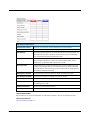
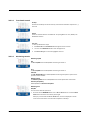
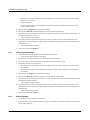
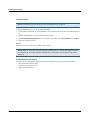
Options
Masking/Level2
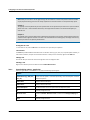
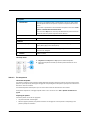
Displays the effective masking level of the measurement point (dB EML).
Curve SNR
Displays the Signal to Noise ratio used for the entire curve (SNR).
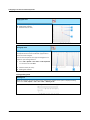
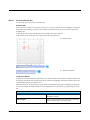
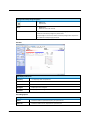
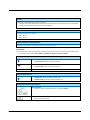
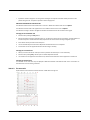
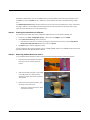
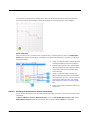
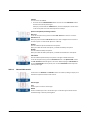
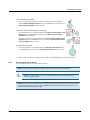
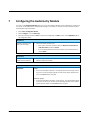
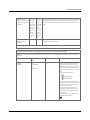
When you right-click on a row in the graph legend, the following options appear:
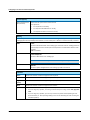
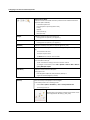
Options
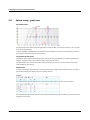
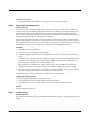
3.12
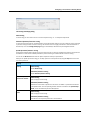
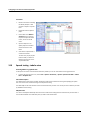
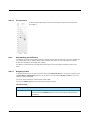
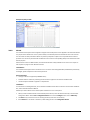
Selected Point (e.g. WRS, Left, Live, AC)
Identifies the curve in the graph that you wish to edit.
Info
If needed, enter information of your choice.
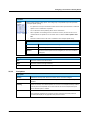
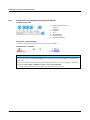
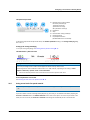
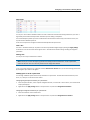
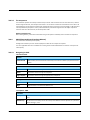
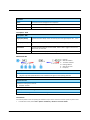
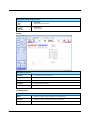
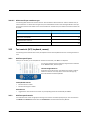
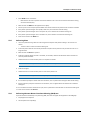
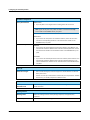
Speech feature boxes
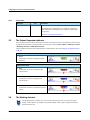
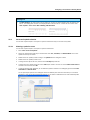
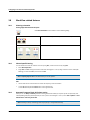
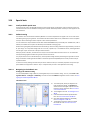
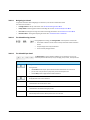
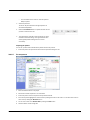
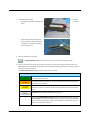
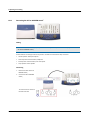
You can access a number of speech display options directly from the Speech main screen.
The display options can be turned on/off. To do so, select Tools > Options > Speech.
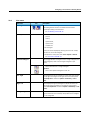
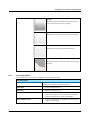
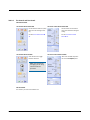
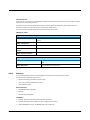
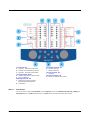
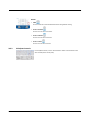
Feature boxes
3.13
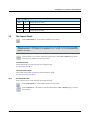
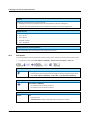
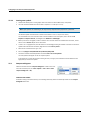
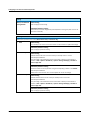
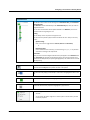
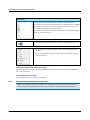
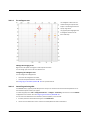
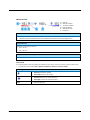
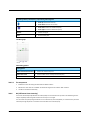
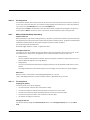
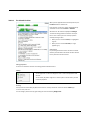
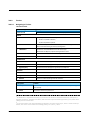
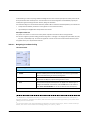
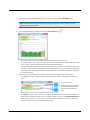
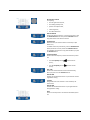
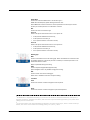
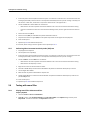
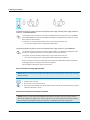
Pure Tone data
Displays the pure tone average for air conduction and bone conduction as well as the articulation
index.
The AI is calculated according to the “Count-the-dot” method.
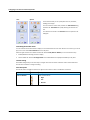
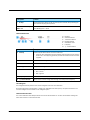
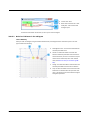
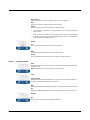
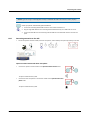
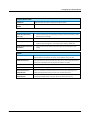
Stenger
Displays the results of a speech Stenger test.
• Scoring options are positive (+) or negative (-).
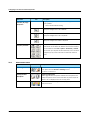
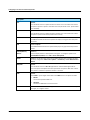
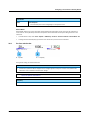
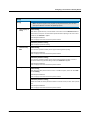
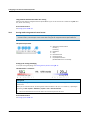
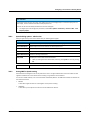
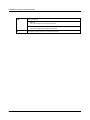
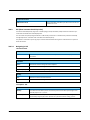
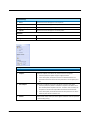
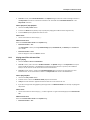
Terms and abbreviations used in Speech testing
SDT
Speech Detection Threshold
SRT
Speech Recognition Threshold
MCL
Most Comfortable Loudness Level
UCL
UnComfortable Loudness Level
WRS/SRS
Word Recognition Score/Sentence Recognition Score
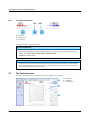
•
Score
Percentage of correct/incorrect words.
•
Level
dB level at which the words were presented.
•
[Msk]
Effective masking level (dB EML) used for contralateral masking.
•
SNR
Signal-to-Noise Ratio.
Otometrics - MADSEN Astera²
63