1
CHAPTER
8
CONFORM
Export CDL
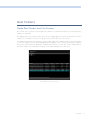
The industry standard, Color Decision List (CDL), permits grading information, like EDLs, to be passed
from one system to another. DaVinci Resolve saves standard CDLs for export and can also import
sessions with CDLs.
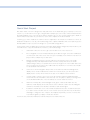
Grades to be saved for Export into other tools supporting ASC CDLs must conform to the industry
standard. There are a few things to note while using this feature:
•
Only the primary grades on the first node of every clip are exported. If marks are present,
only the parameter values at the beginning of the clip are used. Track nodes are not used
during the export.
•
If there is a qualifier or window in the first node, the grade is exported as if the window or
qualifier was not present.
•
The ‘Make LUM’ parameter should be set to 0, or the export will not be accurate. For
convenience, there is a ‘Luminance Mixer defaults to zero’ option in the Configuration screen
settings tab which can be enabled when creating the Project.
•
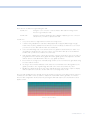
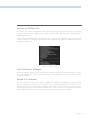
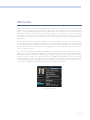
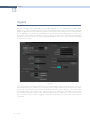
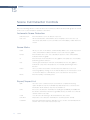
The CDL is exported in the format of an EDL with embedded SOPS values. An example of
this is shown here:
020 001 V C 03:02:49:13 03:02:53:00 01:01:28:11 01:01:31:22
*ASC_SOP (1.109563 1.717648 0.866061)(-0.238880 -0.390357 0.353743)(0.672948 1.384022
0.889876)
*ASC_SAT 1.000000
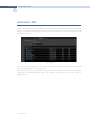
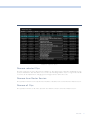
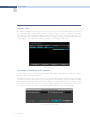
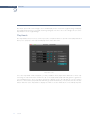
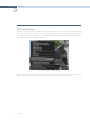
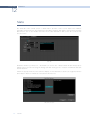
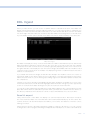
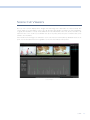
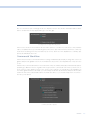
CDL Export Prompt
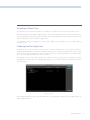
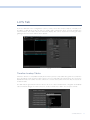
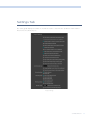
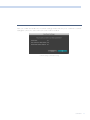
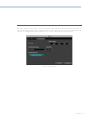
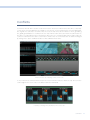
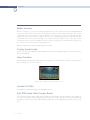
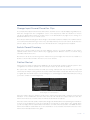
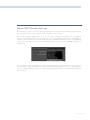
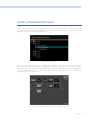
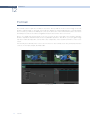
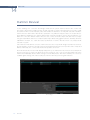
To export the CDL, right click on the active timeline in the Conform page, and select ‘Export CDL,’ follow
the prompts to name the file and choose the Export path.
128
CONFORM