1
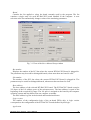
When the Simulink model is ready, click the Tools/External Mode Control Panel option
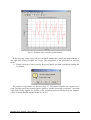
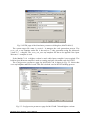
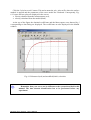
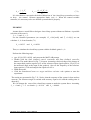
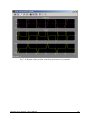
and next click the Signal Triggering button. The window presented in Fig. 5.3 opens. Select
Select All check button, set Source as manual, set Duration equal to the number of samples
you intend to collect and close the window.
Fig. 5.3 External Signal & Triggering window
5.2. Code generation and the build process
Once a model of the system has been designed the code for real-time mode can be
generated, compiled, linked and downloaded into the computer.
The code is generated by the use of Target Language Compiler (TLC) (see description of
the Simulink Target Language). The make-file is used to build and download object files to
the target hardware automatically.
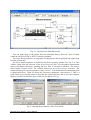
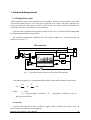
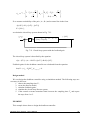
First, you have to specify the simulation parameters of your Simulink model in the
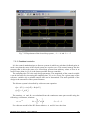
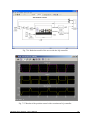
Simulation parameters dialog box. The RTW page appears when you select the RTW tab (Fig.
5.4). The RTW page allows you to set the real-time build options and then to start the building
process of the executable file.
Modular Servo System - User’s Manual
28