1
•
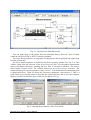
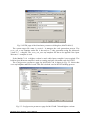
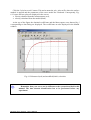
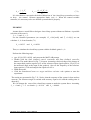
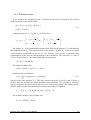
Double click the Basic Tests button. The following window appears (Fig. 2.2):
Fig. 2.2 The Basic Tests window
The first step in testing of the MSS is to check if the RT-DAC/PCI I/O board is installed
properly.
•
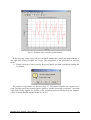
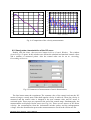
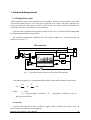
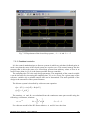
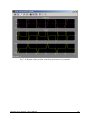
Double click the Detect RTDAC/PCI board button. One of the messages shown in Fig. 2.3
opens. If the board has been correctly installed, the base address, and number of logic
version of the board are displayed.
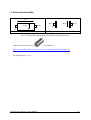
Fig. 2.3 Result of the step 1
If the board is not detected check if the board is put into the slot properly. The boards are
tested very precisely before sending to a customer and only wrong assembly procedure
invokes errors.
In the next step one can reset encoders. One sets the initial position of the servo system.
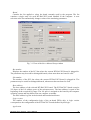
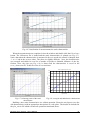
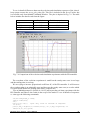
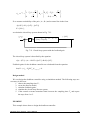
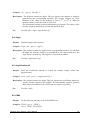
• Double click the Reset Angle Encoders button. When the window (Fig. 2.4) opens
click the Yes option. The encoders are reset and zero position of the servo system are
stored.
Modular Servo System - User’s Manual
9