1
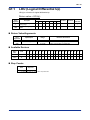
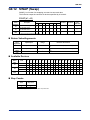
G11-11
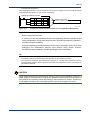
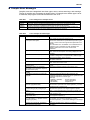
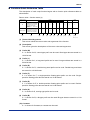
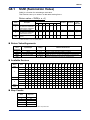
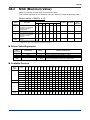
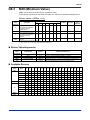
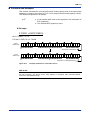
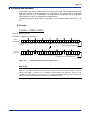
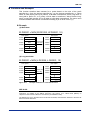
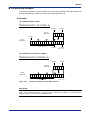
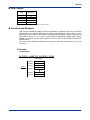
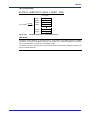
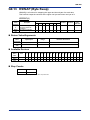
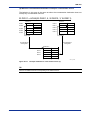
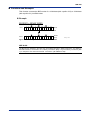
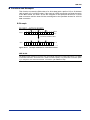
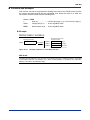
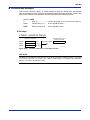
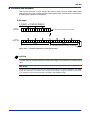
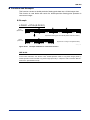
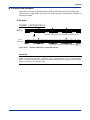
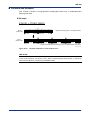
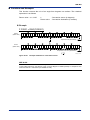
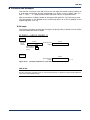
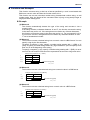
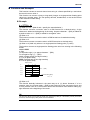
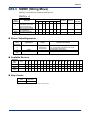
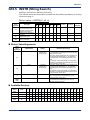
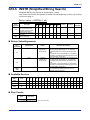
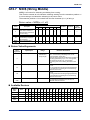
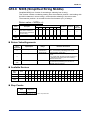
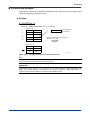
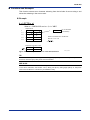
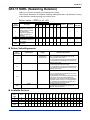
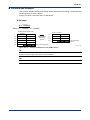
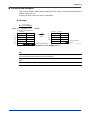
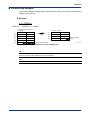
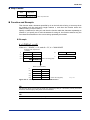
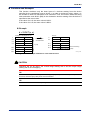
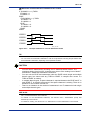
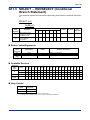
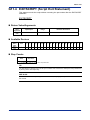
CASE 1
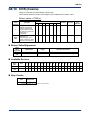
Single value (only 1)
CASE 2, 8, 11, 30
Multiple values (2, 8, 11 and 30)
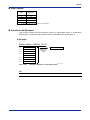
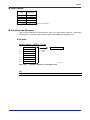
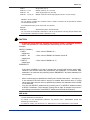
CASE 40 .. 50
Value range (range from 40 to 50)
CASE 60 .. 70, 80, 90
Multiple values and value range (range from 60 to 70, 80, and 90)
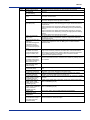
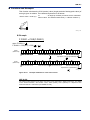
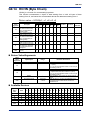
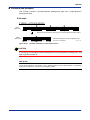
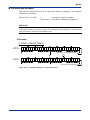
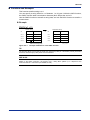
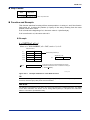
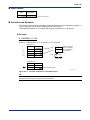
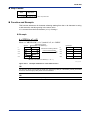
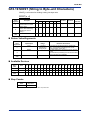
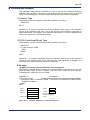
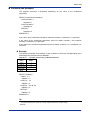
- DEFAULT can be omitted.
- You can specify constants and constant names to CASE. Constants can be specified in decimal
and hexadecimal formats.
In hexadecimal format, put "$" at the start of a constant.
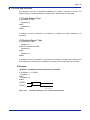
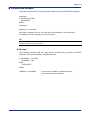
Example:
CASE $FF
Specifies $FF (255 in decimal format).
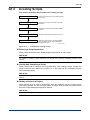
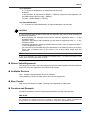
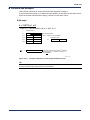
- You can insert an EXITSCRIPT statement to exit the script without executing the part written after
the EXITSCRIPT statement if CASE or DEFAULT is met.
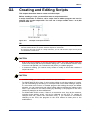
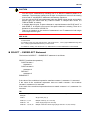
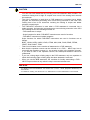
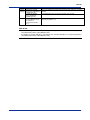
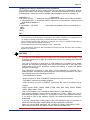
CAUTION
-
If there are more than one constant that matches CASE, a statement specified
earlier has precedence. The subsequent statement(s) are not executed.
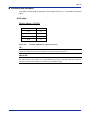
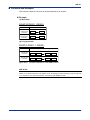
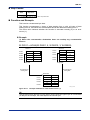
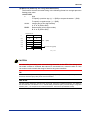
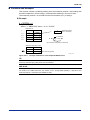
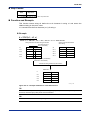
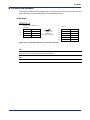
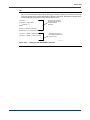
Example:
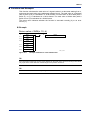
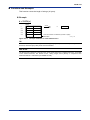
SELECT (D00001)
CASE 1
statement 1
CASE 2 .. 20
statement 2
CASE 15
statement 3
ENDSELECT
// If the value of D00001 is 1
// If the value of D00001 is between 2 and 20
// If the value of D00001 is 15
If the value of D00001 is 15, then it matches the second CASE and the third CASE.
However, the second CASE has precedence and statement 2 is executed. After
statement 2 is executed, the process jumps to ENDSELECT and thus statement 3 is
not executed.
-
-
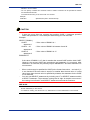
When a value range is specified for CASE (in the format "start value .. end value"), it
is not checked if the start value is equal to or smaller than the end value. If a start
value larger than the end value is specified by mistake, the statement for the CASE
is not executed.
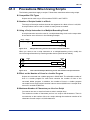
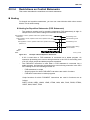
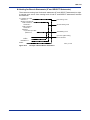
You can nest SELECT statements by including one IF or SELECT statement within
a SELECT statement. The maximum nesting level is eight. A compile error occurs if
the nesting level of both IF and SELECT statements exceeds the maximum.
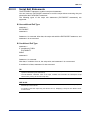
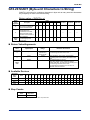
SEE ALSO
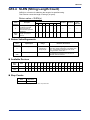
- SELECT ... ENDSELECT is described in the explanation of the script syntax. See Section G3.3,
"Control Statements" in this manual.
- For details on the EXITSCRIPT statement, see Section G11.4, "EXITSCRIPT (Script Exit
Statement)" in this manual.
- For details on nesting, see Section G3.3.4, "Restrictions on Control Statements" in this manual.
IM 34M06Q16-04E
3rd Edition: Dec. 25, 2013-00