1
Delta Elec. Inc.
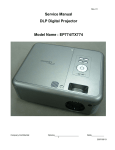
DP-3510 YYDA & DP-2510 YYDA
rev.00
CONTENTS
1.COMPLIANCE OF SAFE REPAIR.........................................................................................5
1-1.Caution During Disassembling And Assembling.............................................................5
1-2.Lamp.............................................................................................................................. 5
1-3.Lens................................................................................................................................5
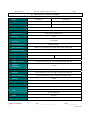
2.SPECIFICATIONS.................................................................................................................6
2-1.Summary Specifications................................................................................................. 6
2-2.DMD Specifications........................................................................................................ 7
2-3.Color Wheel................................................................................................................... 7
2-4.Lamp.............................................................................................................................. 7
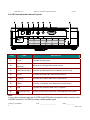
2-5.Input/output connectors……………………………………………………………………….7
2-6.I/O Ports Illustration........................................................................................................8
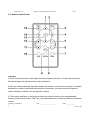
2-7.Remote Control Parts.....................................................................................................9
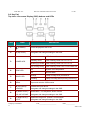
2-8.Key Pad-Top view-On-screen Display(OSD) buttons and LEDs……………………….. 11
2-9.Bottom view…………………………………………………………………………………...12
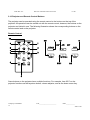
2-10.Remote and Keypad…………………………………………………………………….….13
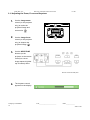
2-11.Adjusting the Zoom, Focus and Keystone………………………………………………..14
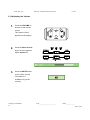
2-12.Adjusting the Volume…………………………………………………………………….…15
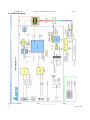
2-13.BLOCK DIAGRAM..................................................................................................... 16
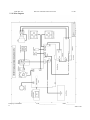
2-14. Wire diagram………………………………………………………………………………..17
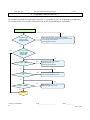
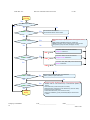
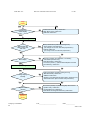
3.TROUBLE SHOOTING....................................................................................................... 18
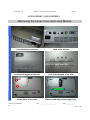
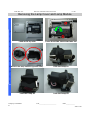
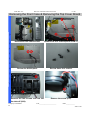
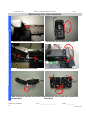
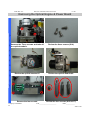
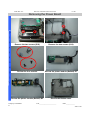
4.DISASSEMBLY AND ASSEMBLY....................................................................................... 26
5.Flash Upgrade Flow........................................................................................................... 40
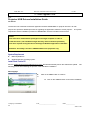
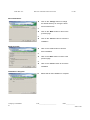
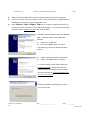
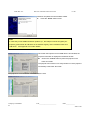
5-1.Projector USB Drivers Installation Guide………………………………………………….40
Appendix-A How to clear the USB enumeration registry?...........................................49
Appendix-B Projector USB status on Windows Device Manager………………………51
5-2.DLP Projector Flash-Tool (firmware) User Guide…………………….……….…………..52
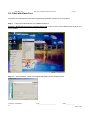
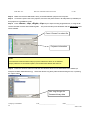
5-3.Start with Flash-Tool………………………………………………………………………....53
5-4.Starting and Shutting down the Projector……………………………………………….....58
5-5.Setting an Access Password (Security Lock)………………………………….…………..60
5-6.SETUP / Advanced………………………………………………………………………..…62
5-7.Security Timer………………………………………………………………………………...63
Company Confidential
3
LGE_______________________
Delta____________
2007/11/30