1
CUT CONTOURS
2
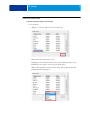
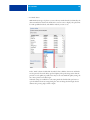
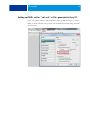
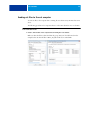
TO CREATE THE CUT CONTOUR LAYER AND ASSIGN A SPOT COLOR TO THE CUT CONTOUR
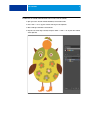
1 Open your vector art work in Adobe Illustrator, and click Select All.
2 Press <cmd> + <C> to copy the content of the layer to the clipboard.
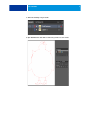
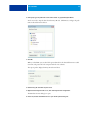
3 Make a new layer and name it “Cut Contour”.
4 Keep the cut contour layer selected, and press <Shift> + <cmd> + <V> to paste the contents
of the clipboard.