1
Adding Stops
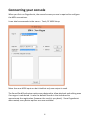
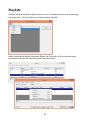
To make more extensive changes to the registration in the Edit window, just click on
the Play button in the Playback control.
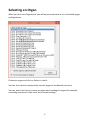
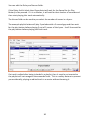
While the track is playing you can change the stops using the OrganAssist organ
window.
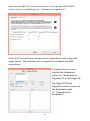
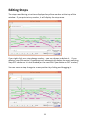
When you press Stop or Pause the new stops you have added are displayed in the
top area of the edit window.
Although you cannot actually amend a stop change, you can move it, delete it or
record additional stops changes to replace it.
TIP – To add additional stops at the start of a track, press the PAUSE button.
OrganAssist will position the track at the start of the first note and pause so that
you can add/change stops. You can then either press Stop to add these
immediately or Play to continue.
12