1
Introduction
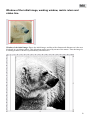
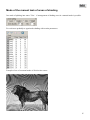
Work in program PRO Etching begins with loading raster black-and-white (Grayscale) or colour (Color)
images which will be used further for creation of imitation of an engraving. For loading of the initial
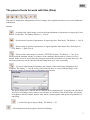
image it is necessary to take advantage of the button of fast access of the panel of tools for work with
files, or a combination of "hotkeys" (Hotkeys) — Ctrl+O. The program gives to the user the expanded
possibilities for choice shadings and management of layers with masks.
The loaded image should be obligatory in a format *.BMP or *.TIF (.TIFF) without a compression
(uncompressed).
3