1
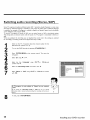
Setting
the time/date
automatically
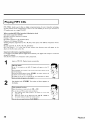
This function
uses the information sent via the local PBS channel to automatically
set the
time/date. For this reason, you must enter the PBS channel that sends this additional information
When the DVD Recorder chooses a wrong PBS channel or the displayed time/date
you must manually set the date/time (see section 'Manually setting the time & date').
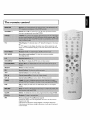
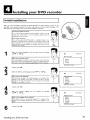
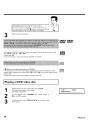
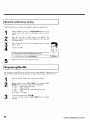
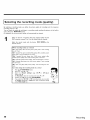
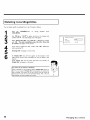
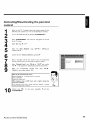
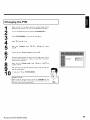
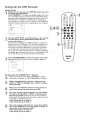
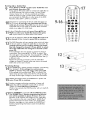
Press
SYSTEM-MENU
on the
remote
control.
The menu
is wrong,
bar
will appear
Select 'T_'
3
4
5
using 41 or
,
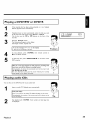
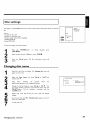
Select line 'Installation'
with •
using CH-•
or
CH+ •
and confirm
Select line 'Time/Date'
with •
using
or
CH+ •
and confirm
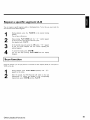
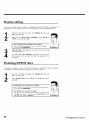
Select 'Automatic'
6
7
•
with
CH-•
CH- •
or
CH+ •
Select the corresponding line with CH- •
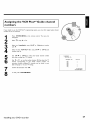
Select the channel
line 'PBS
Channel'
will check whether
x 'Clock
which
not set,
or CH+ •
sends the time/date
and confirm
with
OK.
or not the information
check
and confirm with
channeF
Time/Date
Automatic
information
The DVD
transfer
will appear
.
Recorder
8
'On':
on the
settings in line 'Daylight
The time set corresponds
activated)
'Off: The time set corresponds
to
summer
to the winter
time
Auto.
Off
Auto.
is possible.
TV
screen
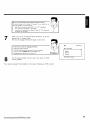
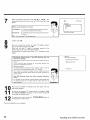
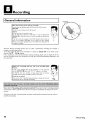
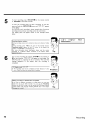
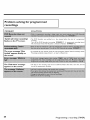
v_ No time/date data can be received from this TV channel.
Select a different channel or 'Auto:
in line 'PBS Charmer.
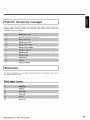
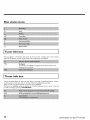
Select one of the following
PBS Channel
Daylight Saving
Time Zone
in the
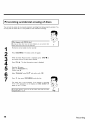
To exit press
SYSTEMMENU
Problem
Saving':
(summer time
time (summer
time
is off)
9
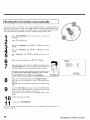
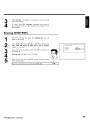
In the line 'Time
Zone',
If you
'Auto.'
want
use the
time
the changes with
OK.
0
Confirm
1
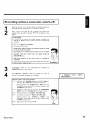
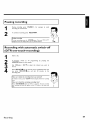
To end, press
to
zone
of the
PBS channel,
select
SYSTEM-MENU
The time and date are automatically
Recorder is shut off.
28
select your time zone if the PBS channel
entered was for a different time zone. This is the only way to set
the time correctly, or, if necessary, to correct it.
transferred
from
the
selected
'PBS channel'
after
the
Installing your DVD recorder