1
.....
Table of Contents
Introduction 1
System Configurations 1
System Specifications 3
System Set Up: An Overview 4
Set Up Instructions 5
Setting Up the DPP 1200 Printer 5
Setting Up the System Workstation 5
Securing System CDs and Set Up Documents 6
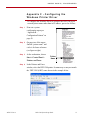
Installing the DPP 1200 Printer Drivers 7
Installing RIPMate and optional ECRM Software Products 13
Installing the DPP 1200 Printer Plugin 15
Entering Passwords into the RIP 16
Installing an ICC Profile 19
Configuring a Device 22
Completing/Saving Page Setup 29
Calibration 32
Calibration Using the Genlin Utility
32
Troubleshooting 44
Printer Menus 44
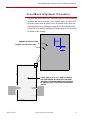
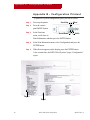
Front/Back Alignment Procedure 45
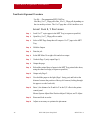
Front/back Alignment Procedure 46
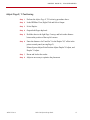
Adjust Page X, Y Positioning 47
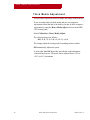
Thick Media Adjustment 48
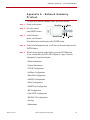
Appendix A - Network Summary Printout 49
AG50727 Rev. 4
DPP 1200 System Set Up Guide
iii