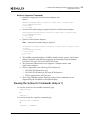
1
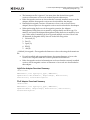
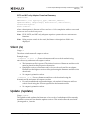
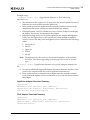
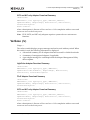
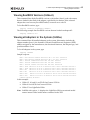
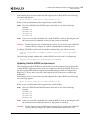
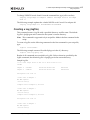
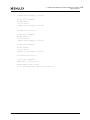
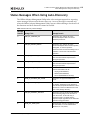
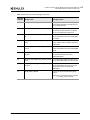
3. Online Adapter Management Utility Command Line Interface Downgrade (/downgrade or /g) The fwmatrix.txt file is ignored. You must place the desired downgrade versions of firmware or boot code in their respective directories. If the downgrade versions are lower than the currently installed versions on the adapter, then the downgrade versions are downloaded to the adapter. If multiple downgrade versions of firmware or boot code are found for an adapter, the next-previous downgrade versions are downloaded to the adapter. When performing the boot code downgrade operation, the Adapter Management Utility first tries to match by adapter family and boot type. If a match is not found, the Adapter Management Utility then tries to match by boot type. If the utility is matching by boot type and multiple versions of boot code are detected, downgrade always chooses in the following order: 1. 2. 3. 4. 5. Universal (U) Pair (P) Open (O) EFI (E) x86 (B) ./elxflash /downgrade – Downgrades the firmware or boot code using the fwmatrix.txt file. For each installed and supported adapter, the current firmware or boot code versions are compared with the versions specified in fwmatrix.txt. If the downgrade versions in fwmatrix.txt are lower than the currently installed versions, the downgrade versions of firmware or boot code are downloaded to that adapter. LightPulse Adapter Download Summary <date><time> HBA=<model>, Port Type=<port_type>, WWN=<wwn>, Update=<Boot Code|Firmware>, Image=<image>, New=<version>, Old=<version>, Status=<description> FCoE Adapter Download Summary <date><time> HBA=<model>, Port Type=<port_type>, WWN=<wwn>, Update=Firmware, Image=<image>, New=<version>, Old=<version>, Status=<description> Offline and Online Adapter Management Utilities Version 6.1 User Manual P008003-01A Rev. A 21