1
•
•
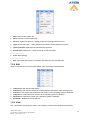
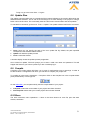
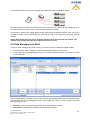
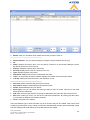
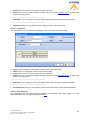
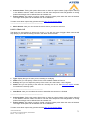
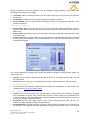
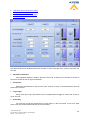
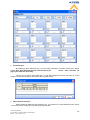
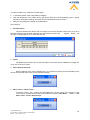
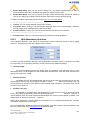
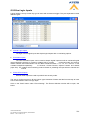
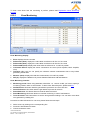
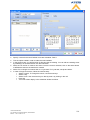
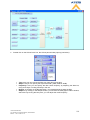
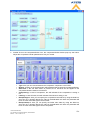
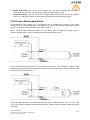
Enable ACK Relay: here you can set the closing of a Logic Output Channel relay as soon as
zones where an event has to be played are freed from higher priority events.
Enable Busy Relay: here you can specify an Logic Output Channel relay that will be closed as
soon as you will trying to speak in zones where a higher priority event currently playing.
To learn more about output relay, please read the How To Use Output Relay.
______________________________________
•
•
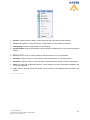
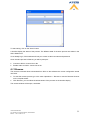
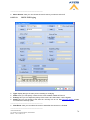
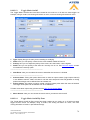
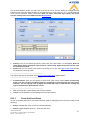
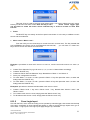
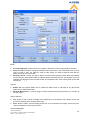
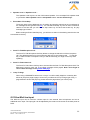
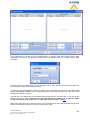
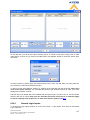
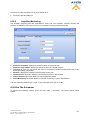
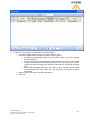
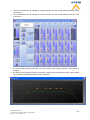
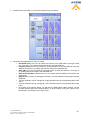
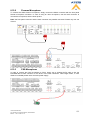
Conflict: you can choose between Cancel All or Coexist
Pre Chime: Before a call you can add a chime message. Here, if Pre Chime Enable is selected,
you can select which message will be used as pre chime
• Pre-define Zone: if ticked, you can choose pre defined zone with the zone selector
______________________________________
•
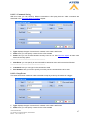
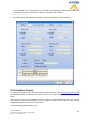
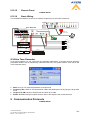
Zone Selection: here you can specify the zone(s) where the call will be played
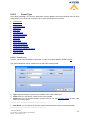
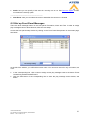
8.18.3.8 Music On
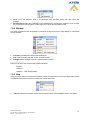
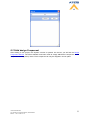
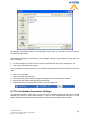
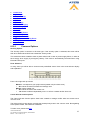
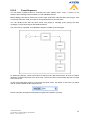
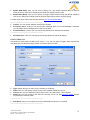
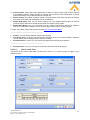
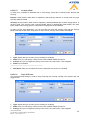
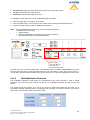
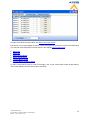
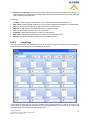
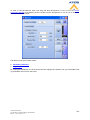
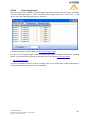
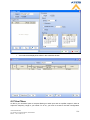
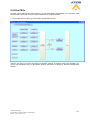
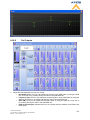
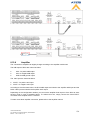
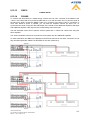
The Music On event allows to start music source 1 or 2 with any type of trigger. Music sources will
start playing in pre-defined zone(s) chosen in the Music Event window.
•
•
•
•
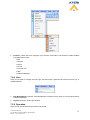
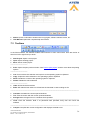
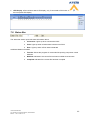
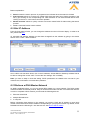
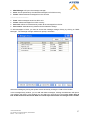
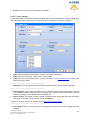
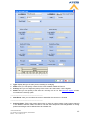
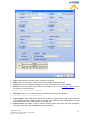
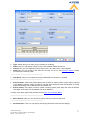
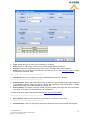
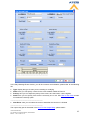
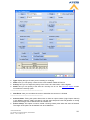
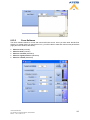
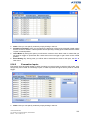
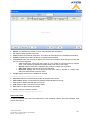
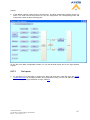
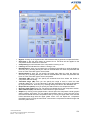
Type: display the type of event you are creating or modifying
Name: here you can specify a name for the event created. Default is Event X
Priority: here you can adjust the priority of the event. 20 is the lowest, 0 is the highest
Attrib: here you can specify if this event is a security one or not. See Common Option to learn
more about the security option
______________________________________
•
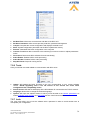
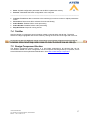
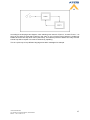
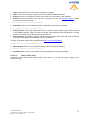
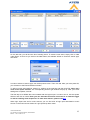
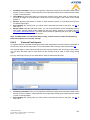
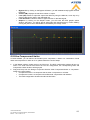
Next Event: here you can select the event to start after the current on is finished
______________________________________
Ateïs International
Ch. du Dévent, 1024 Ecublens, Switzerland.
Phone : +41 21 881 25 10
72