1
The Timer
Setting the clock
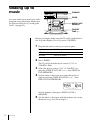
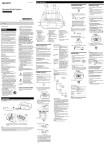
CLOCK
“- -:- -” indication appears in the
display until you set the clock.
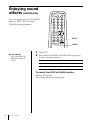
DISPLAY ENT
MEMORY
TIME SET
TUNE +, –
Before you set the clock, connect the AC power cord
(page 25).
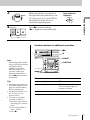
1
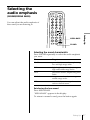
Press CLOCK for 2 seconds until the hour digit
flashes.
2
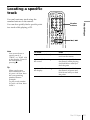
Press TIME SET•TUNE + or – until you set the
current hour. Then press DISPLAY ENT•
MEMORY.
The Timer
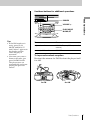
Tip
The time display
system:
12-hour system
AM 12:00=midnight
PM 12:00=noon
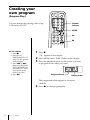
The minute digits flash. Set the minutes by
pressing TIME SET•TUNE + or – until the correct
minute is displayed.
/
3
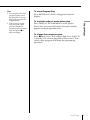
Press DISPLAY ENT•MEMORY.
The clock starts from 00 seconds.
The Timer
21