1
ACS SASSI MAIN User Manual
54
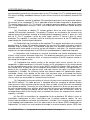
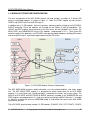
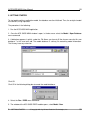
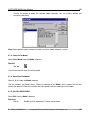
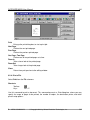
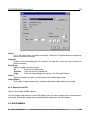
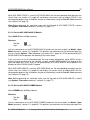
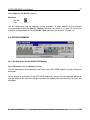
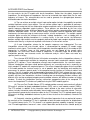
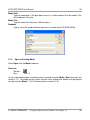
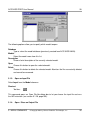
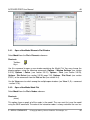
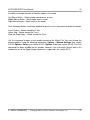
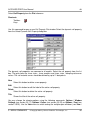
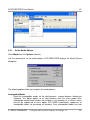
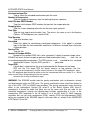
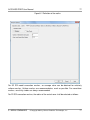
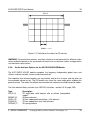
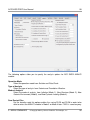
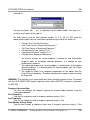
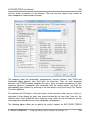
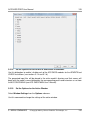
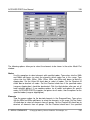
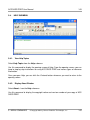
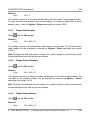
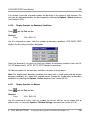
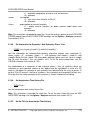
6. In the opened dialog box type the model name, full path, and description, as shown:
The new model name will be model1 and d:\sassi\models\model1 is the directory where all files of the
model will be stored.
7. Click OK.
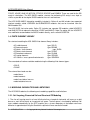
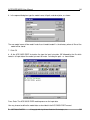
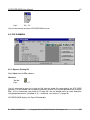
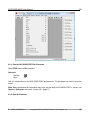
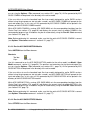
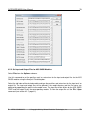
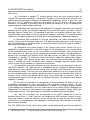
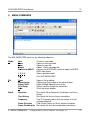
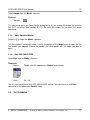
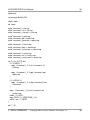
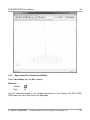
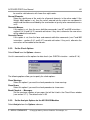
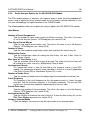
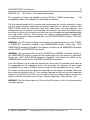
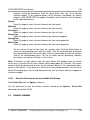
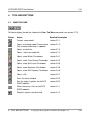
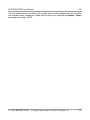
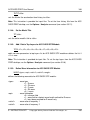
8. At the ACS SASSI PREP instruction line type the input instruction INP followed by the file which
contains all input data of the model you want to create - including the path - as shown below:
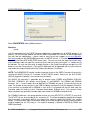
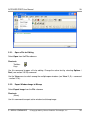
Press Enter. The ACS SASSI PREP module processes the input data.
You may choose to define the model data as described in the ACS SASSI PREP manual.
5. GETTING STARTED
© Copyright 2014 by Ghiocel Predictive Technologies, Inc.
54