1
CONTENTS
Preface ............................................................................................................................ 3
About these operating instructions .............................................................................. 3
Trademarks and Registered Trademarks ................................................................... 3
Viewer Software .......................................................................................................... 3
Monitor Images on a PC .................................................................................................. 4
Monitor images from a single camera ......................................................................... 4
Monitor images from multiple cameras ....................................................................... 7
Action at an Alarm Occurrence ....................................................................................... 8
Transmit Images onto an FTP Server ............................................................................. 9
Transmit an alarm image at an alarm occurrence
(Alarm image FTP transmission) ................................................................................. 9
Transmit images at a designated interval or period (FTP periodic transmission) ....... 9
Save images on the SD memory card when failed to transmit images by the
FTP periodic transmission function ............................................................................. 10
About the network security of this unit ............................................................................. 12
Equipped security functions ........................................................................................ 12
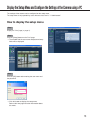
Display the Setup Menu and Configure the Settings of the Camera using a PC ............ 13
How to display the setup menu ................................................................................... 13
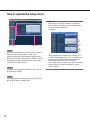
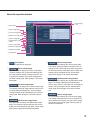
How to operate the setup menu .................................................................................. 14
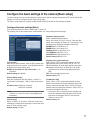
Configure the basic settings of the camera [Basic setup] ........................................... 17
Configure the settings relating to images and audio [Camera setup] ......................... 21
Configure the multi-screen settings [Multi-screen setup] ............................................ 26
Configure the alarm settings [Alarm setup] ................................................................. 27
Configure the settings relating to the authentication [Authentication setup] ............... 34
Configure the settings of the servers [Server setup] ................................................... 36
Configuring the network settings [Network setup] ....................................................... 38
Maintenance of the camera [Maintenance] ................................................................. 46
About the Displayed System Log .................................................................................... 49
Troubleshooting ............................................................................................................... 51
2