1
XBR Implementation Guide
XBR® 7.0.0
3.
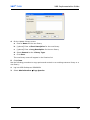
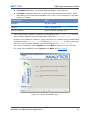
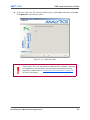
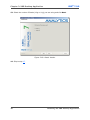
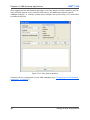
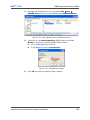
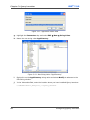
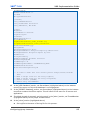
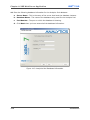
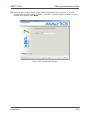
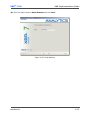
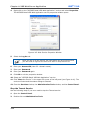
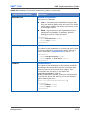
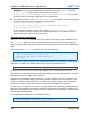
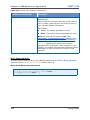
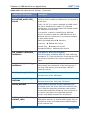
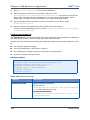
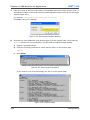
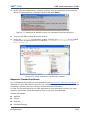
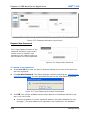
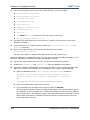
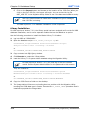
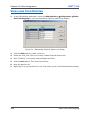
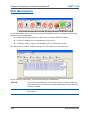
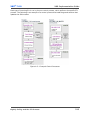
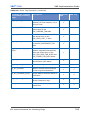
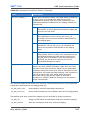
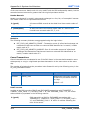
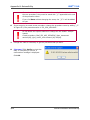
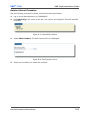
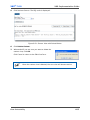
Select “COREXBR” as the From Library. This is the source library for the queries and
controls that are going to be copied.
4.
Select the XBR library for the organization as the To Library. This is the destination
library for the queries and controls.
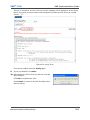
5.
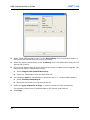
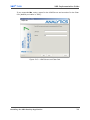
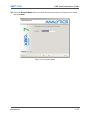
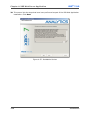
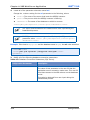
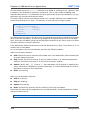
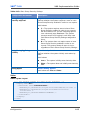
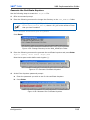
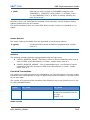
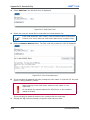
Select Copy for this Classification Only.
6.
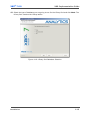
Select “Current Day” from the drop down list.
7.
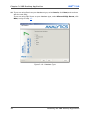
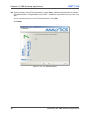
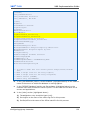
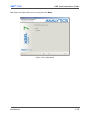
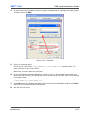
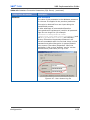
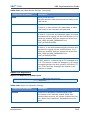
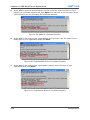
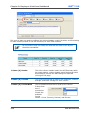
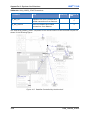
The ownership must be transferred to a customer user (i.e. - System Administrator):
8.
a.
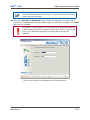
Select Transfer Ownership to.
b.
Select the new owner from the drop down list.
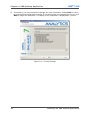
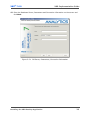
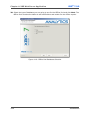
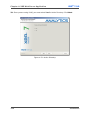
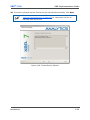
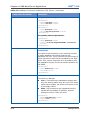
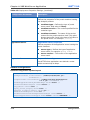
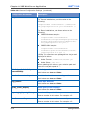
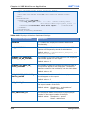
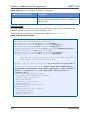
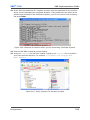
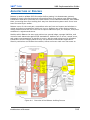
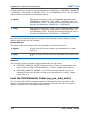
Select the Types of Queries to Copy in order to create all of the new queries.
The upgrade includes new or modified Adhocs, Drill Downs, and Controls.
9.
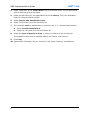
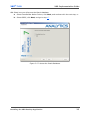
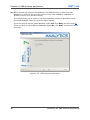
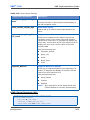
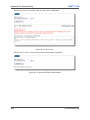
Click Copy.
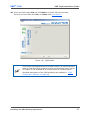
10. Repeat steps 5 through 9 for the “Inventory” and “Query Tracking” classifications.
x