1
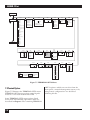
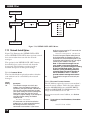
MODEM 32Fast
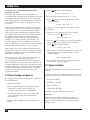
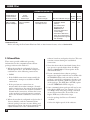
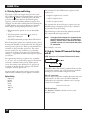
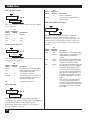
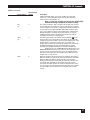
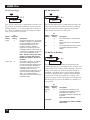
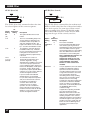
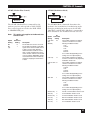
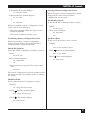
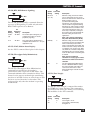
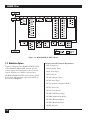
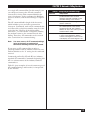
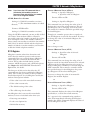
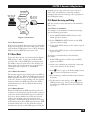
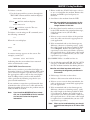
AT&F (Reinitialize Memory)
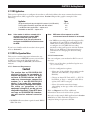
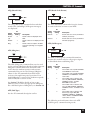
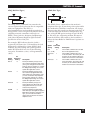
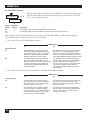
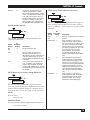
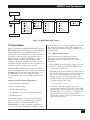
AT&G (Guard Tone)
DATA 9600 T/D?
MODULATION OPT’S
Reinit Memory?
Use the AT&F (Reinit Memory?) command to reset
your modem to the factory-default option settings.
The four factory default option sets are restored
and all stored telephone numbers are deleted.
The AT&F Command
Enter:
AT&F<CR>
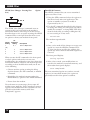
The modem front panel displays:
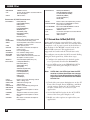
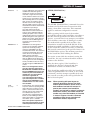
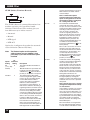
Guard Tone
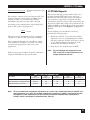
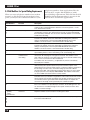
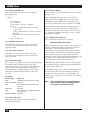
The AT&G (Guard Tone) command determines
what type of guard tone the modem uses in V.22 bis
operation. The proper guard-tone (AT&G) option
setting is required by your PTT. Leave this option
set to Off unless your PTT requires guard tone.
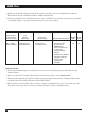
Option
Setting
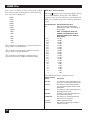
Off
AT
Command
Setting
0
326X initial
550
1
1800
2
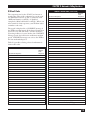
and the terminal displays:
OK
The factory-programmed option sets are now in
place.
Description
The modem does not use a
guard tone.
The modem uses a guard tone
of 550 Hz.
The modem uses a guard tone
of 1800 Hz.
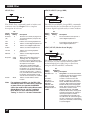
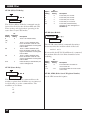
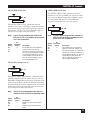
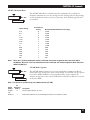
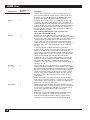
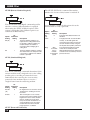
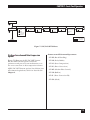
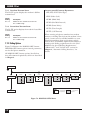
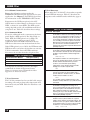
AT&I (Display Modem ID)
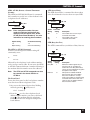
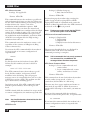
The AT&I (Display Modem ID) command lets you
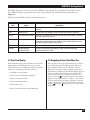
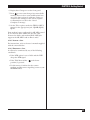
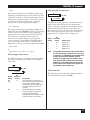
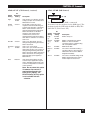
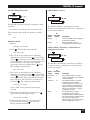
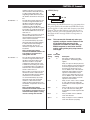
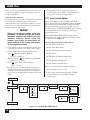
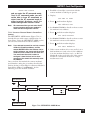
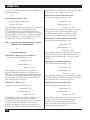
The Front Panel
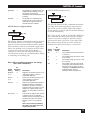
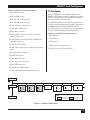
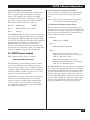
DATA 9600 T/D?
When you press
the modem first asks you:
Reinit All Mem?
Be sure you want to reinitialize the modem’s
memory before you press
again. The modem
displays:
326X Initial
indicating that the original factory-programmed
option sets are now in place.
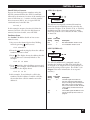
DTE 19.2 RELIABL
view (on your control terminal screen) non-action
information that identifies your modem. This
information is referred to as the short-form status
snapshot display.
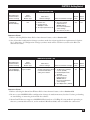
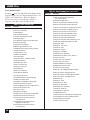
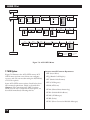
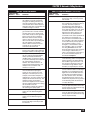
The following command option list describes shortform modem identification information.
AT Command
Setting
0
1
2
3
4
5
Description
Software part number.
Factory product code.
Country code.
Product code.
Network control address (optional).
Serial number.
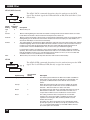
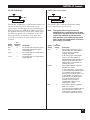
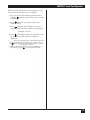
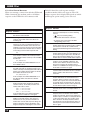
The Front Panel
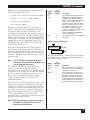
You can also view modem status snapshot by using
the front panel. Press until DTE 19.2 RELIABL
appears, and press
until Display Modem Id
appears.
58