1
3. System Tools
4
NOTE:
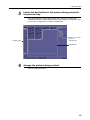
The result of the Grid Suppression control is not reflected in the preview
image. However, the result can be confirmed solely in the printed image. If
required, proceed to step 4.
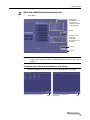
NOTE:
The result of the Peripheral Mask control is not reflected in the preview
image. However, the Peripheral Mask result can be confirmed in the [EXAM >
Examination] or [PAST > View] screen. Refer to Chapter 5 in the Operation
Manual.
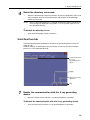
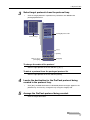
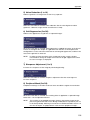
Transfer the resulting image, if required.
Click
, select the destination, and then click [Send Image].
Refer to 7.2 in the Operation Manual for details on operation.
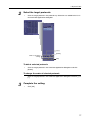
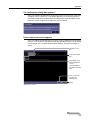
Saving or printing the resulting images for strict image evaluation
To evaluate the resulting image quality, it is recommended to check the images on the
DICOM viewer or on printed film sheet. In such cases, the Patient ID and Series
Description options are provided in the Output Settings dialog box. For example, enter
a title that indicates that the image is not for examination in the Patient ID text box,
and also enter a summary of the parameter modifications in the Series Description text
box.
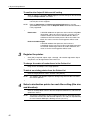
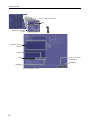
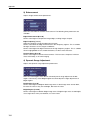
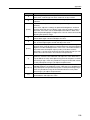
Patient ID text box
Series Description text box
Click to cancel the operation.
[Send Image]
88