1
InfoGlue – Developer Manual
htmlHeadItem
Description
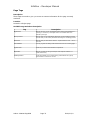
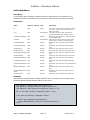
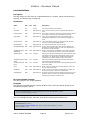
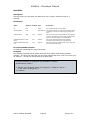
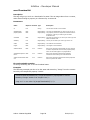
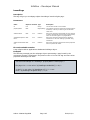
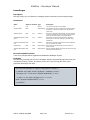
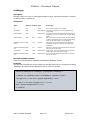
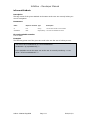
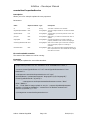
This tag is great for adding HTML-head sections to the resulting page. The problem with
components are that they normally had no way of putting html-tags belonging in the
head-part but this one does. A very common example is a component which has it's own
css or javascript references but if you just print it in the component itself the HTML will
not validate in the W3C-validator as some tags are only allowed in the head-block.
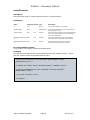
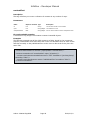
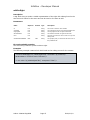
Parameters
Name
Required Default Type
value
true
Description
Object/String The string to insert in the page HTML head-section.
Examples
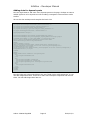
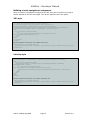
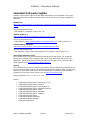
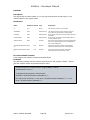
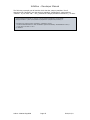
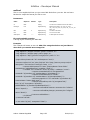
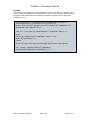
The following example shows a situation where we have a RSS-page we want to
reference by a link-tag. The code is perhaps part of a component which list news but also
wants to channel it as RSS. So to be able to keep the RSS-link-generation in the right
component we use the new tag for this. The page validates and the component is kept in
charge of what happens.
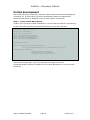
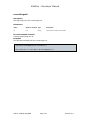
<%@ taglib uri="infoglue-page" prefix="page" %>
<%@ taglib uri="infoglue-structure" prefix="structure" %>
<%@ taglib uri="http://java.sun.com/jstl/core" prefix="c" %>
<structure:pageUrl id="rssPageUrl" propertyName="RSSPage"/>
<c:set var="rssLinkTag"><link rel="alternate" type="application/rss+xml"
title="My RSS" escapeXml="false"/>" href="<c:out
value="${rssPageUrl}"/>"/></c:set>
<page:htmlHeadItem value="${rssLinkTag}"/>
Author: Mattias Bogeblad
Page 76
2009/01/19