1
Utilities and Tools
14
The tools found in the Utility category can help with routine tasks and situations that you
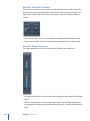
may encounter during production, such as the following: Gain plug-ins are used to adjust
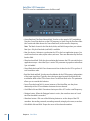
the level or phase of input signals. I/O Utility enables you to integrate external audio
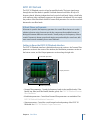
effects into your host application mixer. Test Oscillator generates a static frequency or
sine sweep.
This chapter covers the following:
• Down Mixer (p. 261)
• Gain Plug-in (p. 262)
• I/O Utility (p. 263)
• Multichannel Gain (p. 265)
• Test Oscillator (p. 265)
Down Mixer
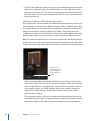
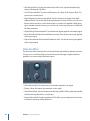
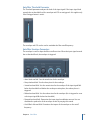
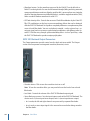
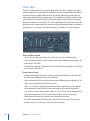
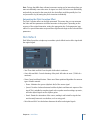
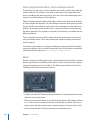
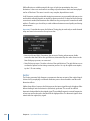
You can use the Down Mixer to adjust the input format of the surround master channel
strip. This allows you to quickly check a surround mix in stereo, for example.
Important: The desired surround format is chosen from the Insert menu when you insert
the plug-in. Choices include: To Stereo, To Quad, To LCRS.
261