1
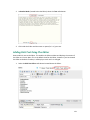
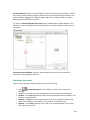
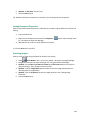
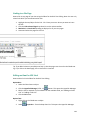
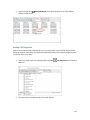
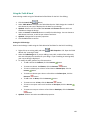
2. At Render Mode (located below the Editor) select the Text radio button.
3. Click inside the Editor and then enter or paste (Ctrl + V) your text.
Adding Rich Text Using The Editor
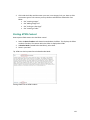
How to add rich text to the Editor. This enables the Editor toolbars and displays the content of
the Editor as rich text. Note: This is the default view for this Editor, however if you last viewed
the Editor as the Basic Text Box, it will display as such until it is changed.
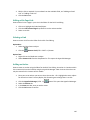
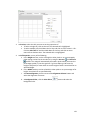
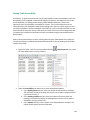
1. Select the Rich Text Editor radio button located above the Editor.
121