1
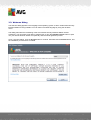
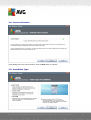
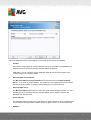
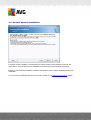
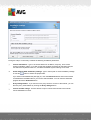
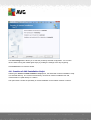
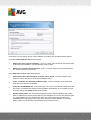
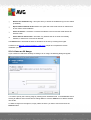
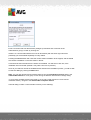
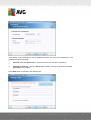
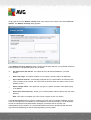
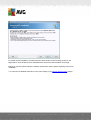
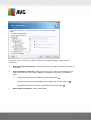
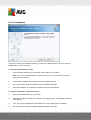
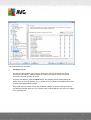
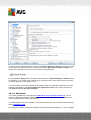
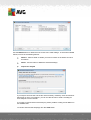
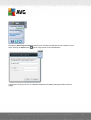
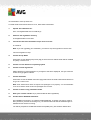
You must choose a folder, into which the update files will be downloaded and stored. If the folder
does not exist, you will be asked if you want to create it.
Click this
button to select the folder. Once finished, click the Next button to continue.
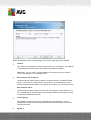
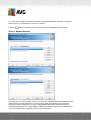
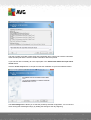
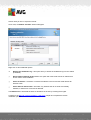
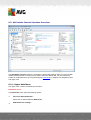
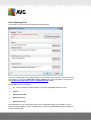
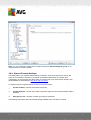
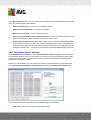
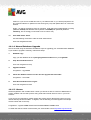
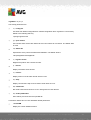
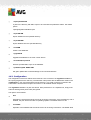
3.10.1. Update Servers
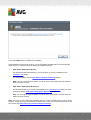
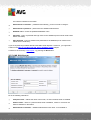
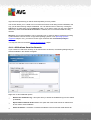
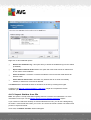
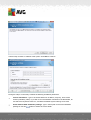
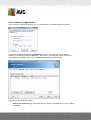
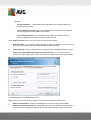
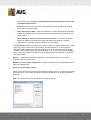
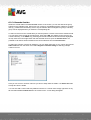
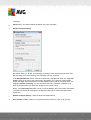
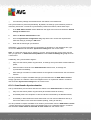
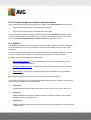
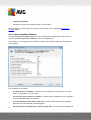
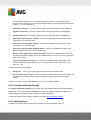
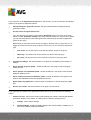
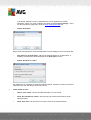
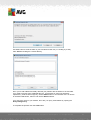
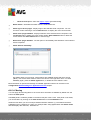
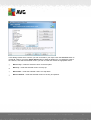
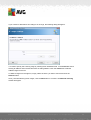
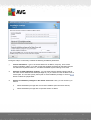
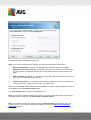
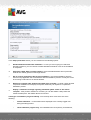
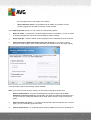
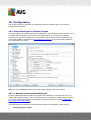
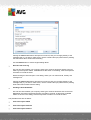
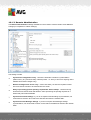
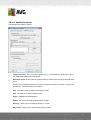
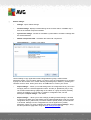
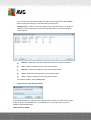
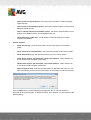
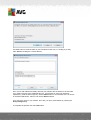
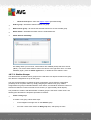
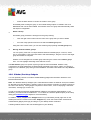
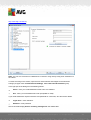
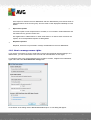
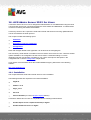
This dialog lets you choose update servers, from which the update files will be downloaded by AVG
Admin Server (for further distribution). If you are unsure about these settings, we recommend
keeping the default configuration. It is quite understandable that stations with AVG 2012 and
stations with older AVG 2011 require different updates from different update servers. Therefore you
can choose these servers separately using two stand-alone tabs.
A V G I nternet Sec urity Bus ines s E dition 2 0 1 2 © 2 0 1 2 C opyright A V G T ec hnologies C Z, s .r.o. A ll rights res erved.
34