1
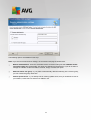
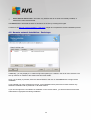
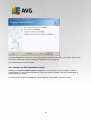
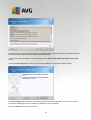
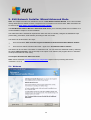
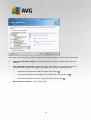
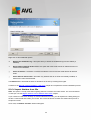
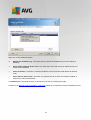
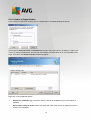
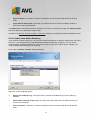
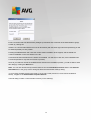
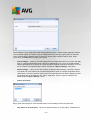
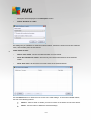
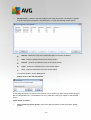
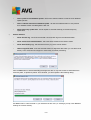
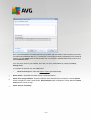
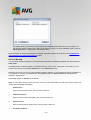
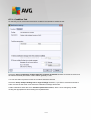
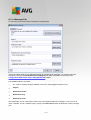
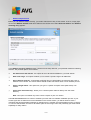
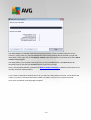
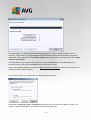
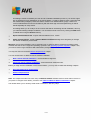
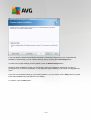
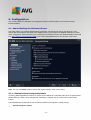
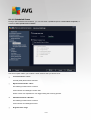
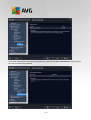
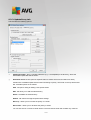
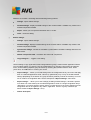
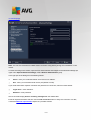
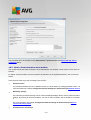
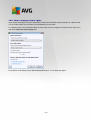
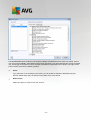
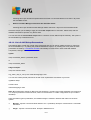
The feature is accessible from the Remote Administration item in the main tree as Allowed actions.
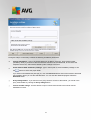
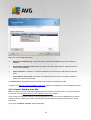
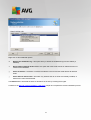
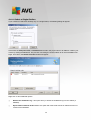
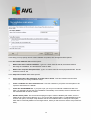
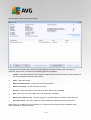
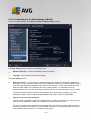
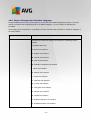
By unchecking the following checkbox(es), you can forbid use of the feature for user on the station.
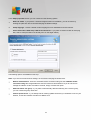
Change of the license number - if unchecked, it will disallow users on the station to change the
license number.
Advanced settings dialog access - if unchecked, it will disallow users on the station to open and edit
advanced settings.
Virus vault access - if unchecked, it will disallow users on the station to access the virus vault.
Restoring items from the virus vault - if unchecked, it will disallow users on the station to restore files
from the virus vault.
Deleting items from the virus vault - if unchecked, it will disallow users on the station to delete files
from the virus vault.
Send bug report - if unchecked, it will disallow users on the station to send a bug report.
Creating new exceptions - if unchecked, it will disallow users on the station to create a new exception.
AVG user interface access - if unchecked, it will disallow users on the station to access AVG user
interface.
154