1
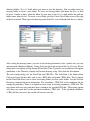
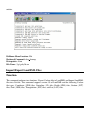
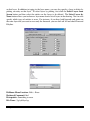
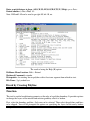
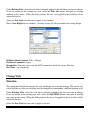
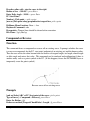
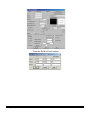
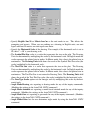
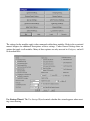
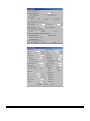
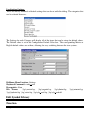
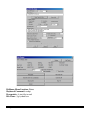
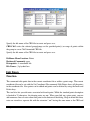
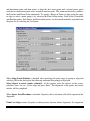
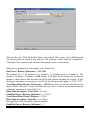
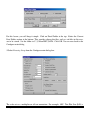
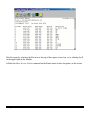
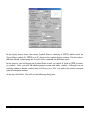
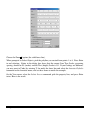
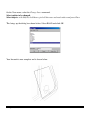
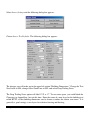
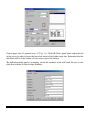
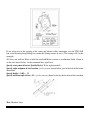
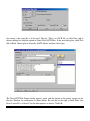
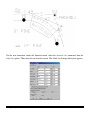
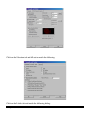
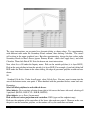
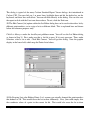
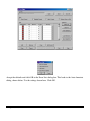
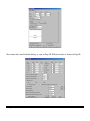
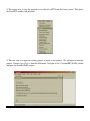
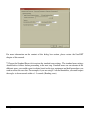
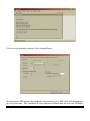
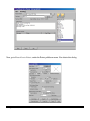
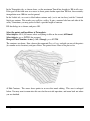
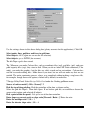
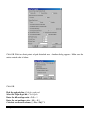
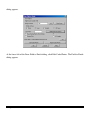
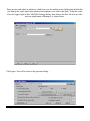
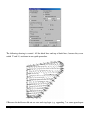
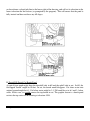
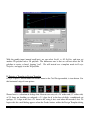
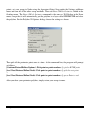
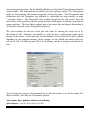
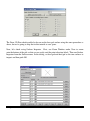
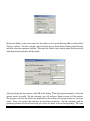
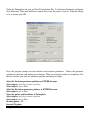
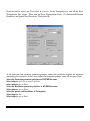
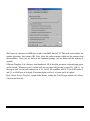
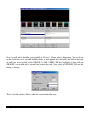
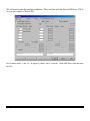
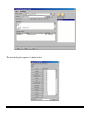
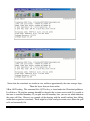
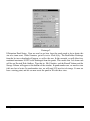
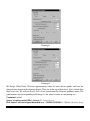
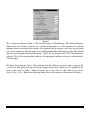
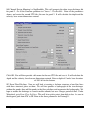
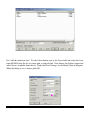
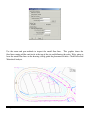
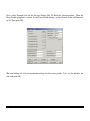
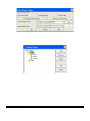
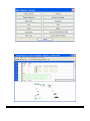
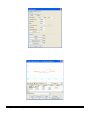
Interval (top right) is set to 1. Also, be sure to set the Index Interval to 5. Click OK.
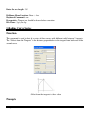
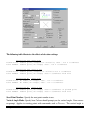
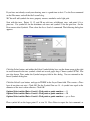
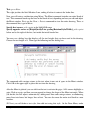
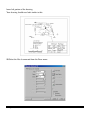
Select the points and breaklines to Triangulate.
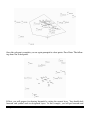
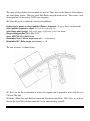
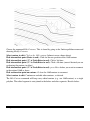
Select objects: Do a bottom right to upper left crossing selection by picking just to the left of the
small, stockpile contour map, near the bottom of the screen, and then picking the upper left of the
screen (capturing all points).
Select objects: Enter(for no more)
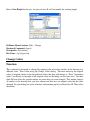
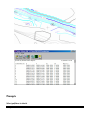
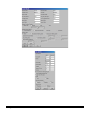
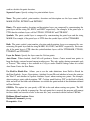
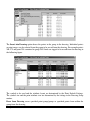
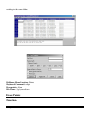
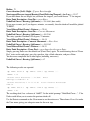
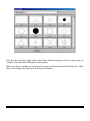
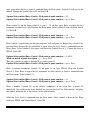
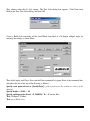
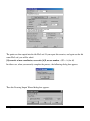
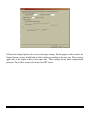
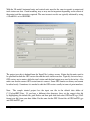
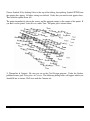
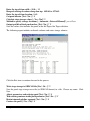
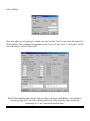
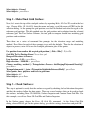
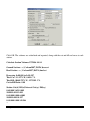
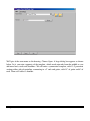
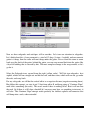
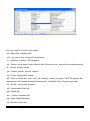
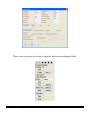
A dialog box appears. Select Mantopo.crd as your crd file. Click Open and the points will be read
from the crd file.
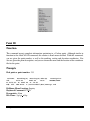
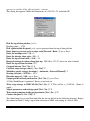
Range of Point Numbers to use [<All>/Group]: Enter (to accept All)
Wildcard match of point description <*>: Enter
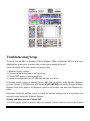
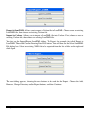
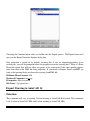
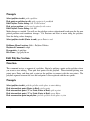
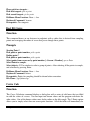
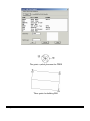
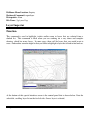
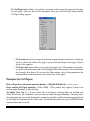
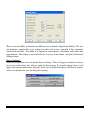
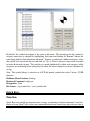
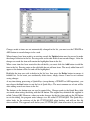
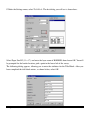
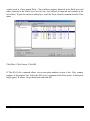
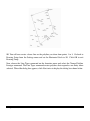
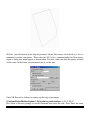
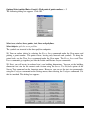
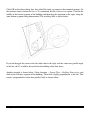
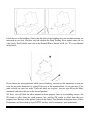
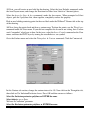
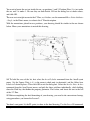
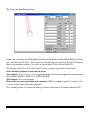
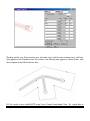
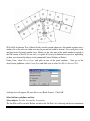
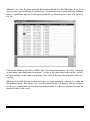
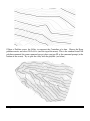
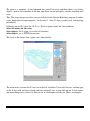
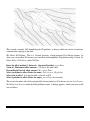
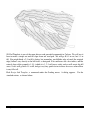
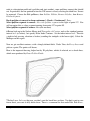
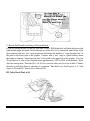
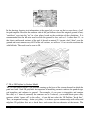
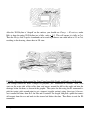
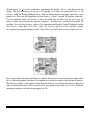
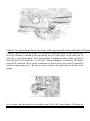
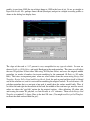
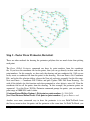
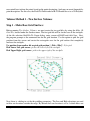
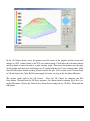
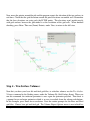
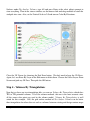
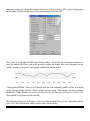
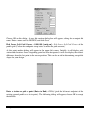
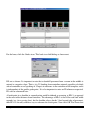
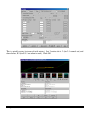
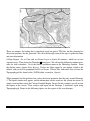
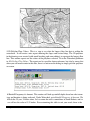
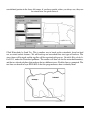
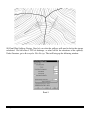
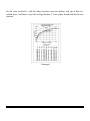
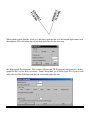
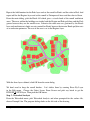
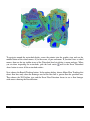
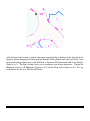
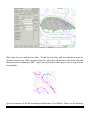
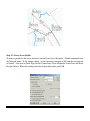
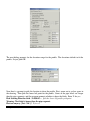
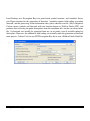
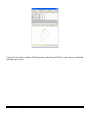
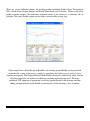
Contours are drawn, but notice the unacceptable wavy look around the perimeter an area which is
meant to be a ditch.
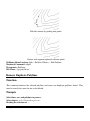
Type in U for Undo and press Enter until the new contours (at left) disappear and you are back at
the command prompt.
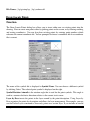
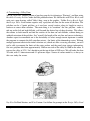
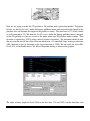
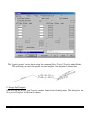
4 Field-to-Finish: From within the Survey module, under the Survey pulldown menu, select Draw
Field-to-Finish.
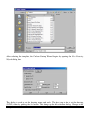
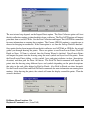
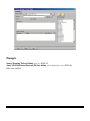
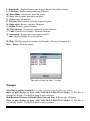
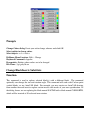
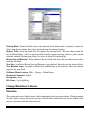
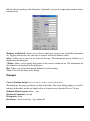
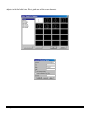
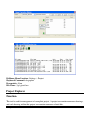
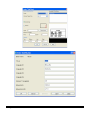
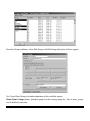
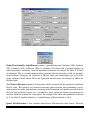
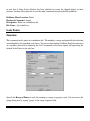
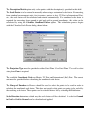
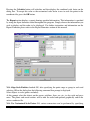
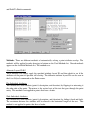
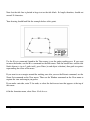
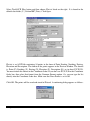
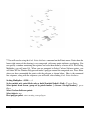
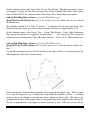
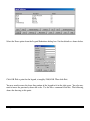
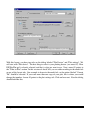
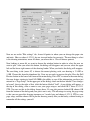
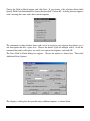
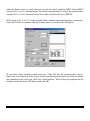
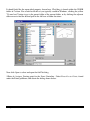
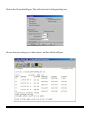
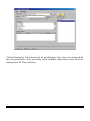
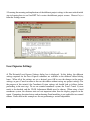
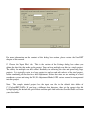
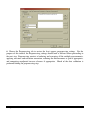
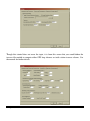
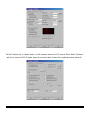
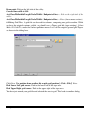
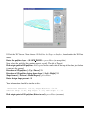
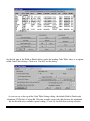
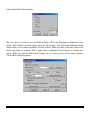
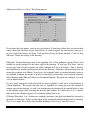
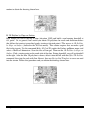
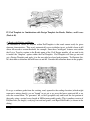
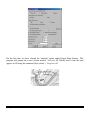
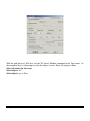
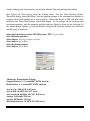
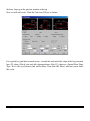
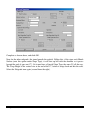
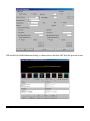
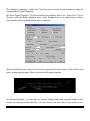
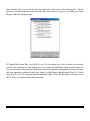
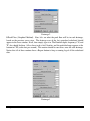
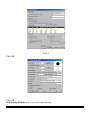
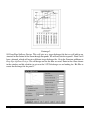
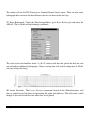
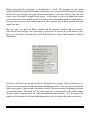
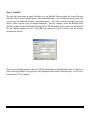
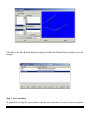
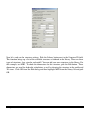
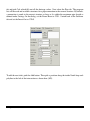
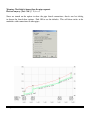
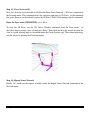
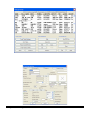
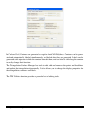
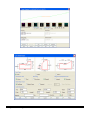
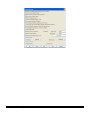
You will be prompted for the CRD file to process. Choose the Existing tab, then select MANTOPO.CRD, which resides in Carlson's data folder, and click Open. The Draw Field to Finish
Chapter 3. Tutorials
440