1
VOLKTEK IRF-634 RS-232/422/485 TO 100BASE-FX DEVICE SERVER
6.1.3
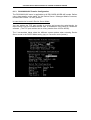
RS-232/422/485 Transfer Configuration
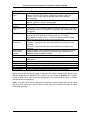
The RS-232/422/485 menu is applicable to all RS-232/RS-422/RS-485 modes. Before
using data transfer mode option for the Device Server / Managed Media Converter,
move the DIP Switch 1 to OFF position.
In case the device is used in Device Server Mode:
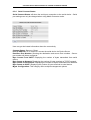
You can assign the TCP port number to monitor and access the serial device via
device server over the network/Internet from a workstation using Serial IP Redirector
software. (The TCP port number can be of any number from 1024 to 65535).
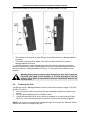
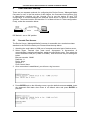
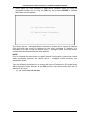
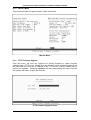
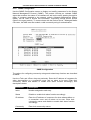
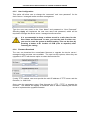
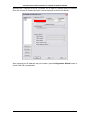
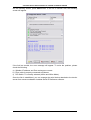
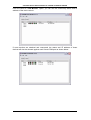
The 2 screenshots below show the different screen options when selecting Device
Server mode in the DS/CR Mode setting (top) or Converter mode (bottom):
17