1
NAVIGATION
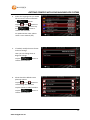
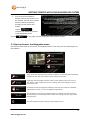
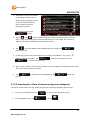
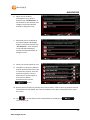
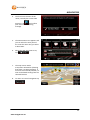
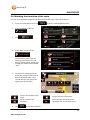
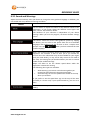
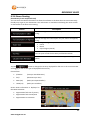
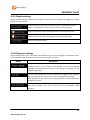
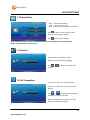
5. Enter the street Name.
a. Tap Street
b. Start entering the Street name on the keyboard. Use the keyboard to enter the name of
the suburb or town. As above only the available letters are active on the keyboard. The
available key will change after each letter is selected.
•
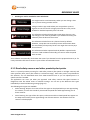
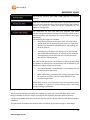
The most likely street name is always shown in the input field. To accept, tap
to continue.
•
Tap
•
Tap
to display the results and select from the list.
at any time to return to the previous screen.
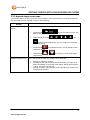
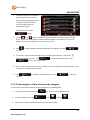
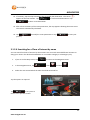
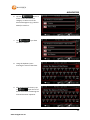
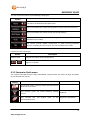
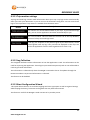
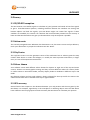
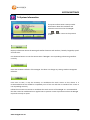
6. Enter the house number
a. Tap Street Number
b. Enter the house number. If a letter is required tap
to change to the alpha keyboard.
Only numbers available in the chosen street can be entered.
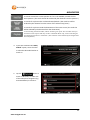
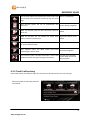
c. Tap
to finish entering the address. (If the entered house number
cannot be found, the midpoint of the street is selected as the destination.)
31
www.navig8r.com.au