1
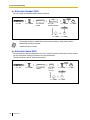
1.7 Extension Settings
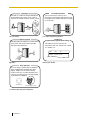
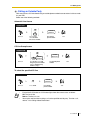
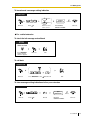
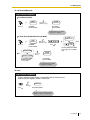
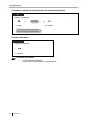
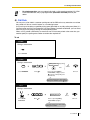
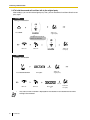
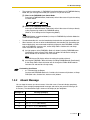
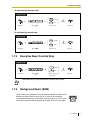
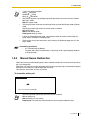
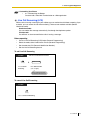
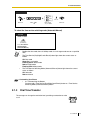
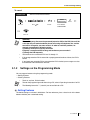
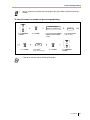
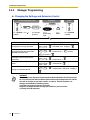
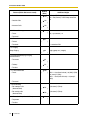
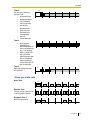
To confirm
PT
Press TRANSFER
several times.
•
•
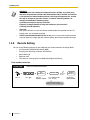
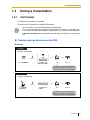
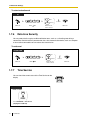
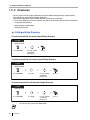
The alarm keeps ringing for preprogrammed seconds.
If you receive an incoming call during ringback, the ringing starts after the ringback
stops.
If you are having a conversation exceeding alarm ringing period, the ringback will
start after your conversation.
•
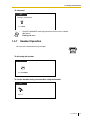
1.7.2
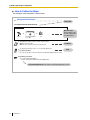
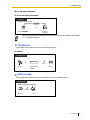
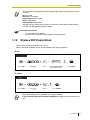
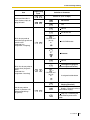
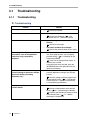
Do Not Disturb (DND)
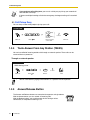
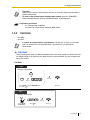
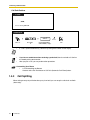
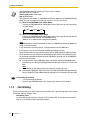
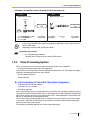
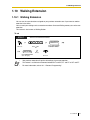
You may set this feature when you are in a meeting or busy.
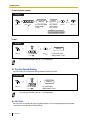
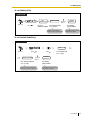
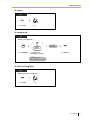
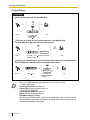
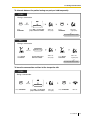
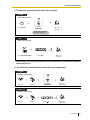
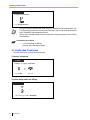
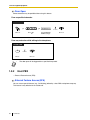
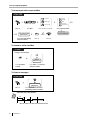
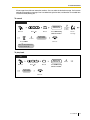
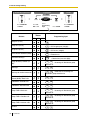
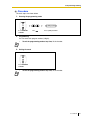
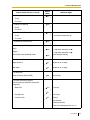
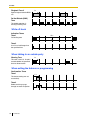
To set/cancel
PT/SLT/PS
0
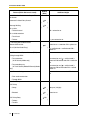
Both Calls
OR
7
1
1
OR
2
Off-hook.
•
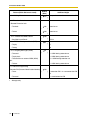
Enter
71.
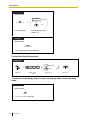
Outside Calls
Intercom Calls
Enter 0 to 2 as you desire.
1
Set
OR
0
Cancel
Enter 1 to set
or 0 to cancel.
C.Tone
On-hook.
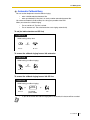
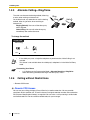
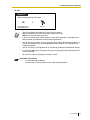
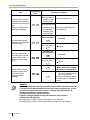
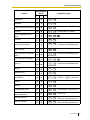
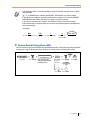
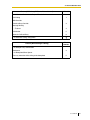
When using a proprietary telephone, you can set or cancel Do Not Disturb by pressing the
FWD/DND button (fixed button) instead of " 710".
User Manual
69