1
Chapter 3 Winpower User Interface
1. "Winpower Manage" window
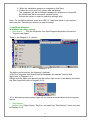
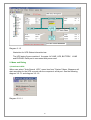
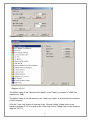
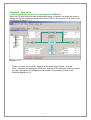
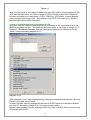
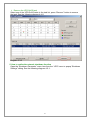
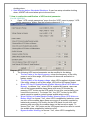
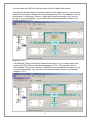
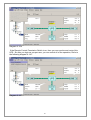
Winpower Monitor shows "Winpower Manager" window which display a list of all
Agents within the LAN.
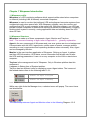
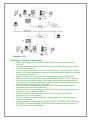
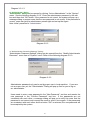
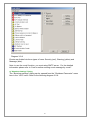
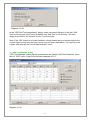
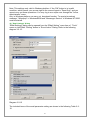
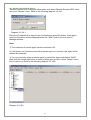
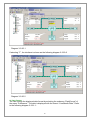
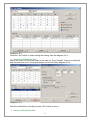
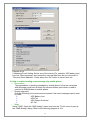
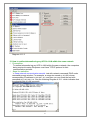
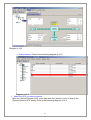
There is a tree view on the left side of the window that displays a hierarchical list of
items, such as ‘Root’,‘networks’,the Agents,the COM port,USB port and the UPS
models. By clicking an item, the user can expand or collapse the associated list of
subitems, Refer to the following diagram 3-1-1:
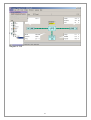
Diagram 3-1-1
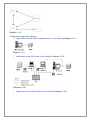
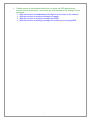
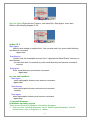
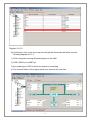
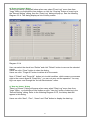
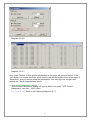
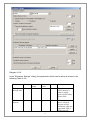
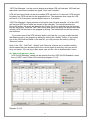
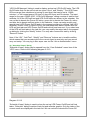
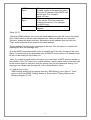
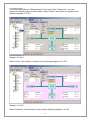
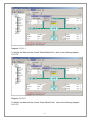
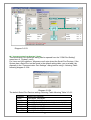
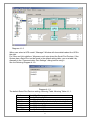
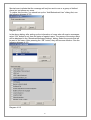
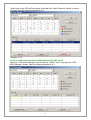
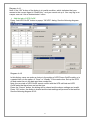
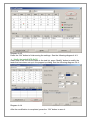
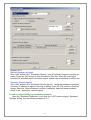
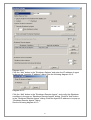
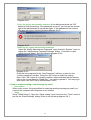
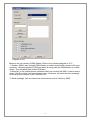
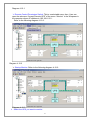
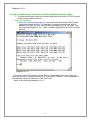
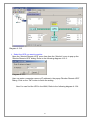
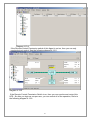
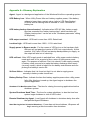
If you select one of the UPS model from the UPS List, details about the UPS will be
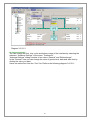
displayed on the right side, Refer to the following diagram 3-1-2:
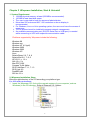
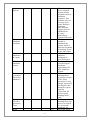
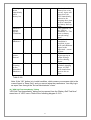
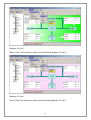
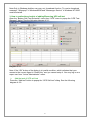
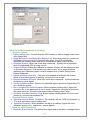
1. The middle area displays the UPS Status Figure. The UPS Status Figure is different
for various UPS status and UPS type.
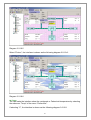
2. The upper area displays the UPS Status Description and recommendation, and the
Agent system times with right align.
3. The lower area displays the last two events information.
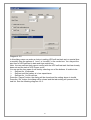
4. It is able to minimize the window by clicking the minimum button on the top right
corner of the window.
5. It is able to exit from the system by clicking “X”.
19