1
Chapter 4: Pattern Guidance
Step
4.
Button (when applicable)
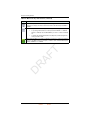
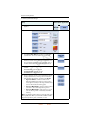
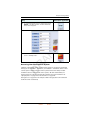
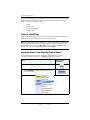
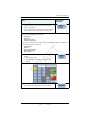
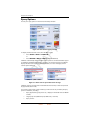
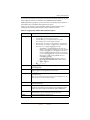
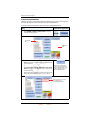
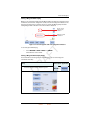
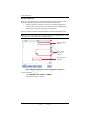
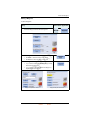
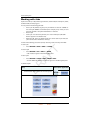
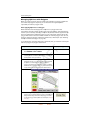
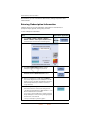
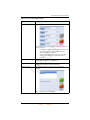
After selecting the files you want to view, press OK to
return to the Map screen. The log with the lowest
number is displayed on the screen. Press the CENTER
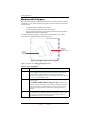
button in the Zoom\Pan window to cycle through the
selected logs. See “Zooming and Panning the Moving
Map Area” on page 18 for more information.
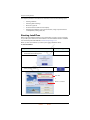
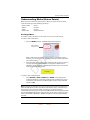
Clearing Log Data
IntelliTrac can store up to 1,000 hours of log time—depending on the storage capacity
of your USB flash drive—before you need to clear storage space by deleting some or
all of your log files. You can delete all logs or specific logs.
AF
T
Clearing logs permanently erases them from IntelliTrac’s memory.
Step
1.
Button (when applicable)
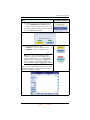
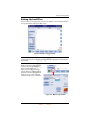
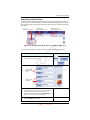
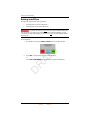
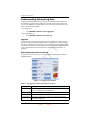
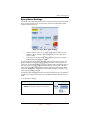
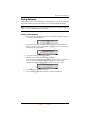
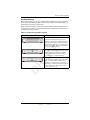
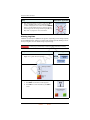
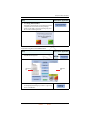
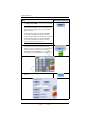
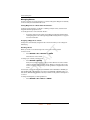
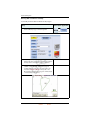
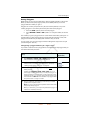
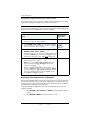
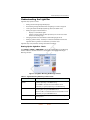
Press SETUP > SETUP > LOGGING SETUP > Clear
x2
D
R
Logs. The Log Clear window appears.
2.
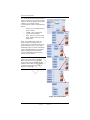
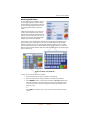
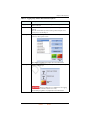
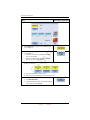
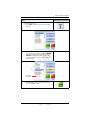
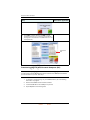
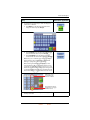
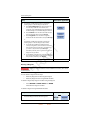
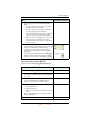
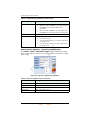
To clear all logs:
a.
Press DEC. A confirmation screen appears.
b.
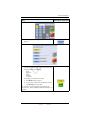
Press YES to confirm the deletion; press NO to
cancel.
IntelliTrac User Guide
DRAFT
62
DRAFT
PN 875-0308-000 Rev A1