1
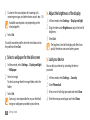
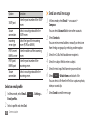
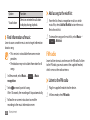
• To start a slideshow with photos and videos, select
.
Tap the screen to stop the slideshow.
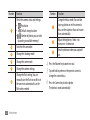
• To view the photo details, select .
• To register faces of the photo to data base, select .
To sort photos by the face, select Media browser →
View by → Person → a face.
• To delete the photo, select Delete → Yes.
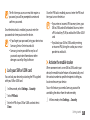
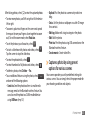
• To use additional features using the photo, select
and one of the following options:
-- Send via: Send the photo to others via multimedia
message, email or the Bluetooth wireless feature. You
can also send the photo to a DLNA-enabled device
using AllShare. (► p. 92)
-- Upload: Post the photo to a community website or
blog.
-- Set as: Set the photo as wallpaper or a caller ID image
for a contact.
64 Entertainment
-- Edit tag: Add or edit a tag to categorise the photo.
-- Edit: Edit the photo.
-- Print via: Print the photo using USB connection or the
Bluetooth wireless feature.
-- Create movie: Create video files.
›› Play a video
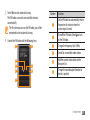
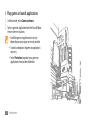
1 In Menu mode, select Media browser.
2 Select a video (with a play icon) to play.
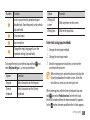
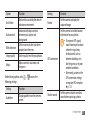
3 Select to begin playback.
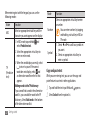
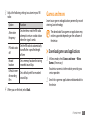
4 Control playback with the virtual keys. ► p. 61