1
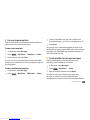
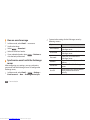
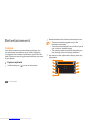
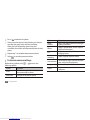
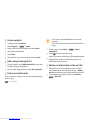
›› Activate the WLAN feature
In Menu mode, select Settings → Connectivity → Wi-Fi.
You can also open the shortcuts panel and select Wi-Fi.
An active WLAN running in the background will
consume battery power. To preserve battery power,
activate the WLAN only when needed.
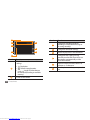
›› Find and connect to a WLAN
1 In Menu mode, select Settings → Connectivity →
Wi-Fi.
The device will automatically search for available
WLANs.
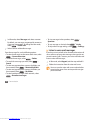
2 Select the check box next to a network.
3 Enter a password for the network and select Done (if
necessary).
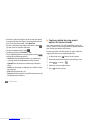
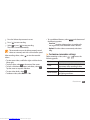
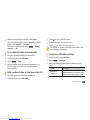
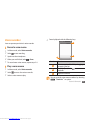
›› Customise the connection profile
1 In Menu mode, select Settings → Connectivity →
Wi-Fi.
2 Select the discovered WLAN AP.
The current connection profile for the network
appears.
3 Customise the connection profile of the selected
WLAN:
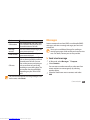
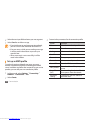
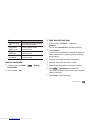
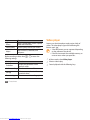
Option
Function
Name
View the name of the profile.
Security type
IP address
IP address type
86 Connectivity
Downloaded from www.Manualslib.com manuals search engine
View the security type of the
WLAN AP.
View your IP address of the WLAN
AP.
View the IP address type.