1
Introduction
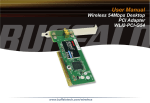
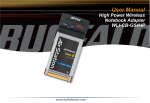
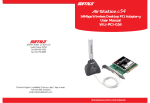
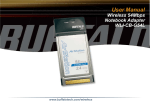
802.11g Wireless Notebook Adapter
Windows XP – Installation & Configuration
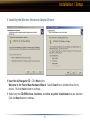
1. Installing the Wireless Notebook Adapter Drivers:
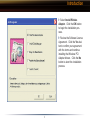
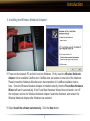
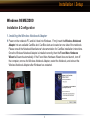
◗ Insert the AirNavigator CD
into the CD-ROM drive of the
PC. The Air Navigator Setup
Wizard launches automatically.
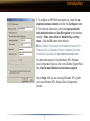
If the Air Navigator Setup Wizard does not launch automatically, launch the wizard manually by selecting Start>>Run to
open the Run dialog box. Enter
D:\Setup.exe in the Open field.
D: represents the letter assigned to the CD-ROM drive. If
another letter is assigned to the
CD-ROM drive, your command
should refelect that difference.
Click the OK button to launch
the wizard.
2