1
I
BASIC
FUNCTIONS
I
Note
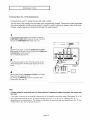
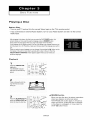
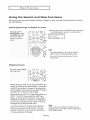
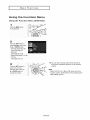
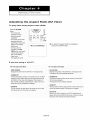
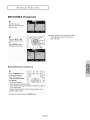
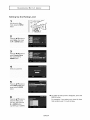
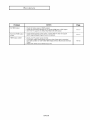
Stopping Play
Press the STOP (I)
button
aurmg play.
- If the player is left in the stop mode for more than
one minute without any user interaction, a screen
saver will be activated. Press the PLAY/PAUSE
(_.,) button to resume normal play.
- If the player is left in the stop mode for more than
30 minutes, the power will automatically turn off.
(Automatic Power-Off Function)
5
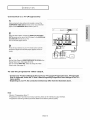
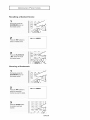
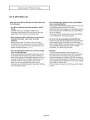
Removing Disc
Pressthe OPEN/CLOSE
(&) button.
-',,11
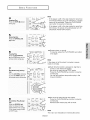
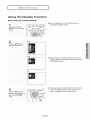
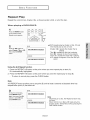
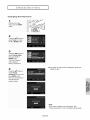
Screen stops, no sound.
To resume, press the PLAY/PAUSE (_.,) button
once again.
6
Note
If the player is left for about 5 minutes in pause
mode, it will stop.
-.,,11
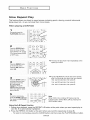
Each time the button is pressed or Jog Dial is
turned, a new frame will appear.
No sound is heard during STEP mode.
Press the PLAY/PAUSE (_.,) button to resume
normal play.
You can only perform step motion play in the
forward direction.
7
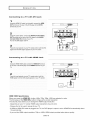
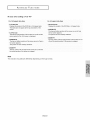
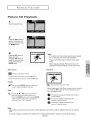
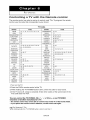
StepMotionPlay(Except
CD)
Turnthe JOG DIALclockwise
or Dressthe STEPbuttonor
the remotecontrolduringp_ay.
-.,an
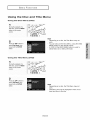
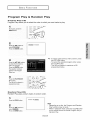
No sound is heard during slow mode.
Press the PLAY/PAUSE (_.,) button to resume
normal play.
Reverse slow motion play will not work.
8
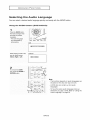
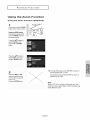
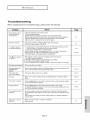
Slow MotionPlay(Except
CD)
Pressthe SEARCH(_-)
_uttonto choosethe p_ay
speedbetween1/8.1/4 and
1/2 ofnormalduringPAUSE
or STEPmode.
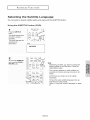
Note
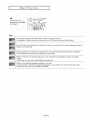
This ( Q ) icon indicates an invalid button press.
ENG-21