1
Reference
3.9.2
257
CAD Systems
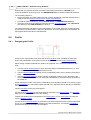
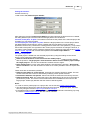
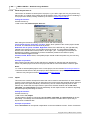
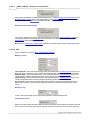
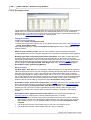
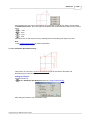
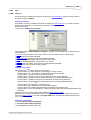
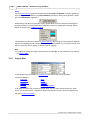
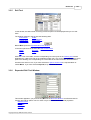
PROFIL is able to exchange data to and from different CAD systems. You only need to select the
data exchange format in Options Files:
CAD system AutoCAD R14 and higher or SolidWorks 2003 and higher
or SolidEdge ST7 or higher or BricsCAD release 15 and higher: Use the built-in ActiveX
interface (Setting in Options ActiveX).
CAD system ME10 or OneSpace Designer Drafting or Creo Elements/Direct Drafting
respectively: Macros are available for generating a Contour File (KTR Format) and for reading a
MI file. Please contact your dealer.
CAD system PC-DRAFT: Macros are available for generating a Contour file (KTR Format) and for
reading a A11 file. Please contact your dealer.
Others: Please create macros by your own for quick data exchange via DXF.
In order to transfer 3D models use the STEP format.
If you do not know the drive, path and file format for data exchange file files, please ask your
system administrator.
If the used CAD system is running under the operating system UNIX, it is possible to exchange
data via a network server. It does not matter if the generated files have the UNIX file format (only
LF at the end of a line), PROFIL is able to read them. In the other direction, PROFIL generates
files with CR/LF at the end of a line. UNIX-systems should be able to read them.
Copyright 2015 by UBECO GmbH, Iserlohn