1
User Manual
BACnet Master / CAN
Document code: MN67717_ENG
Industrial Electronic Devices
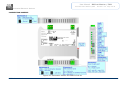
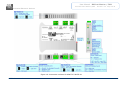
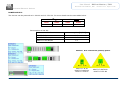
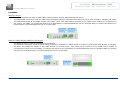
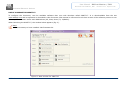
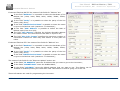
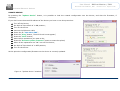
NEW CONFIGURATION / OPEN CONFIGURATION:
The “New Configuration” button creates the folder which contains the entire device’s configuration.
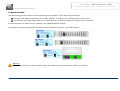
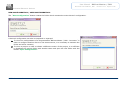
A device’s configuration can also be imported or exported:
To clone the configurations of a Programmable “BACnet Master / CAN - Converter” in
order to configure another device in the same manner, it is necessary to maintain the
folder and all its contents;
To clone a project in order to obtain a different version of the project, it is sufficient
to duplicate the project folder with another name and open the new folder with the
button “Open Configuration”.
ADFweb.com S.r.l.
Revision 1.000
Page 21 of 38