1
222
Ateis Studio
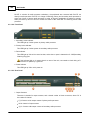
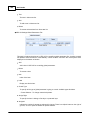
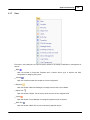
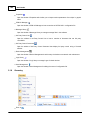
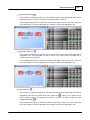
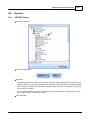
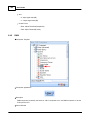
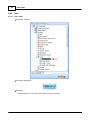
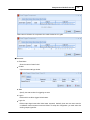
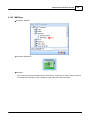
Properties
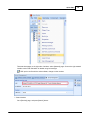
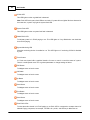
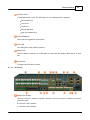
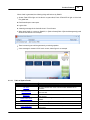
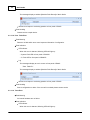
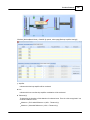
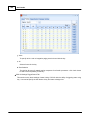
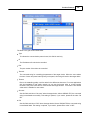
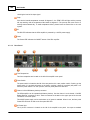
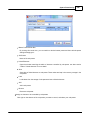
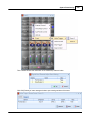
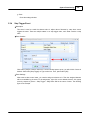
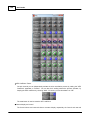
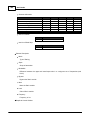
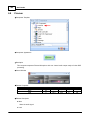
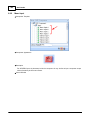
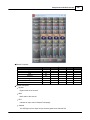
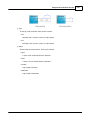
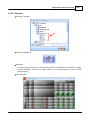
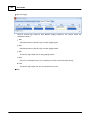
Open the window of Properties which allow you to inspect various parameters of an object in graphic
editor.
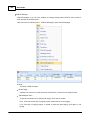
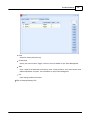
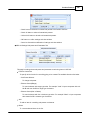
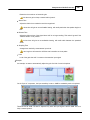
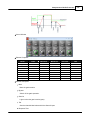
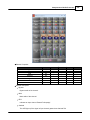
PPM AS Manager
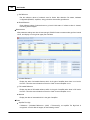
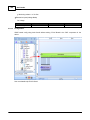
Open the window of PPM AS Manager to have a overview of all PPM AS in configuration file.
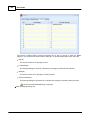
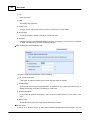
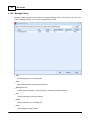
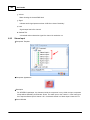
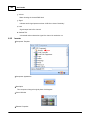
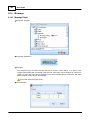
Message Library
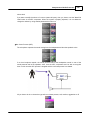
Open the window of Message Library to manage message files in the software.
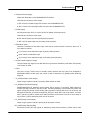
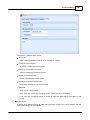
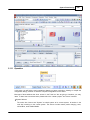
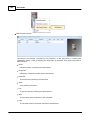
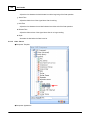
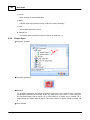
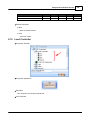
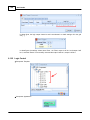
3rd Party Control List
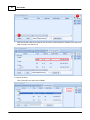
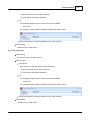
Open the window of 3rd Party Control List to have a overview of elements that are 3rd party
controllable.
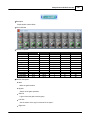
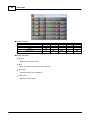
3rd Party Control Command
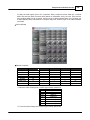
Open the window of 3rd Party Control Command that display 3rd party control string of focused
element.
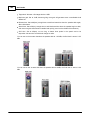
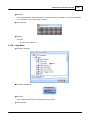
Device Management
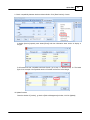
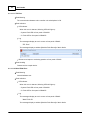
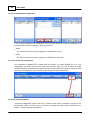
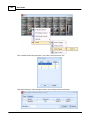
Open the window of Device Management that discovery the devices over network and maintenance.
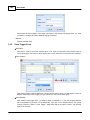
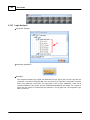
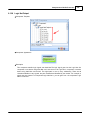
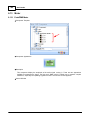
Logo Library
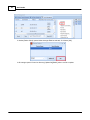
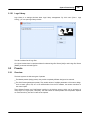
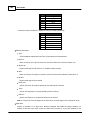
Open the window of Log Library to manage Logos for Ateis devices.
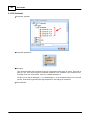
User Management
Open the window of User Management for editing the users of configuration file.
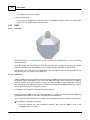
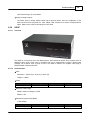
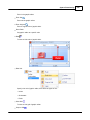
5.1.8
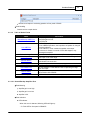
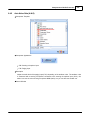
Geometry
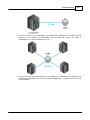
Zoom In
© 2012 ATEÏS