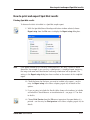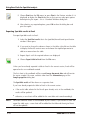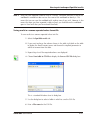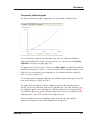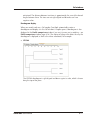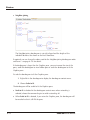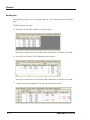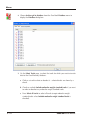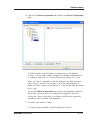
1
Track
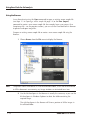
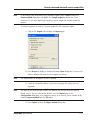
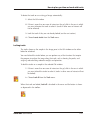
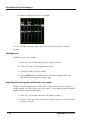
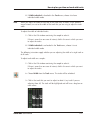
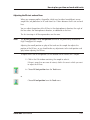
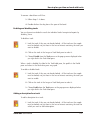
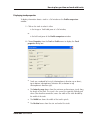
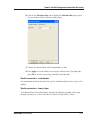
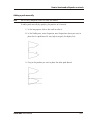
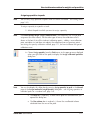
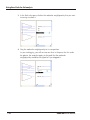
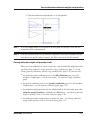
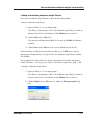
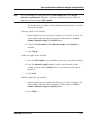
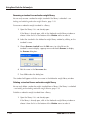
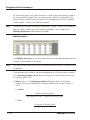
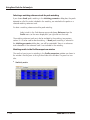
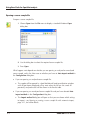
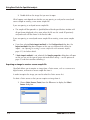
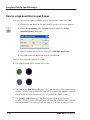
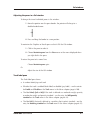
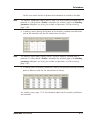
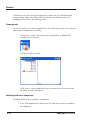
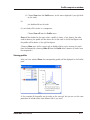
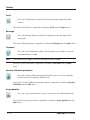
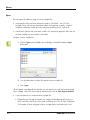
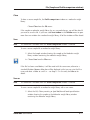
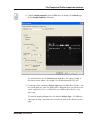
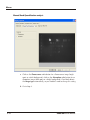
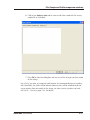
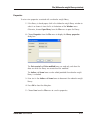
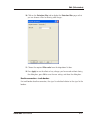
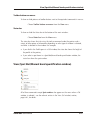
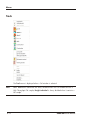
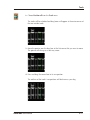
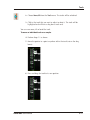
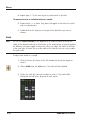
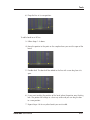
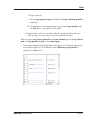
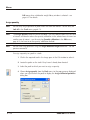
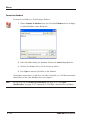
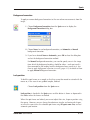
2 Choose Position all from the Track menu.
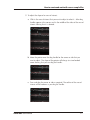
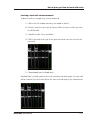
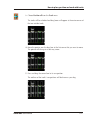
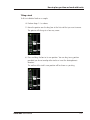
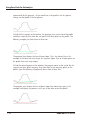
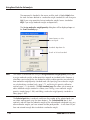
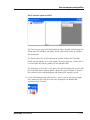
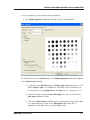
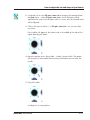
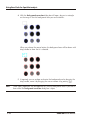
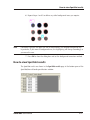
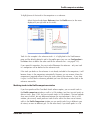
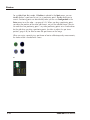
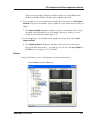
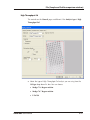
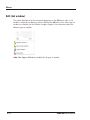
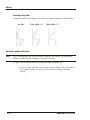
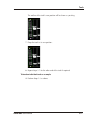
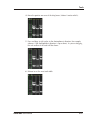
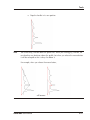
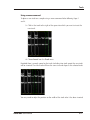
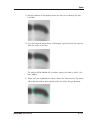
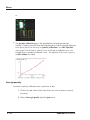
The tracks will be unlocked and drag boxes will appear at the outer corners of
the two outside tracks.
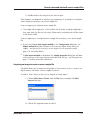
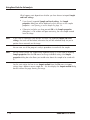
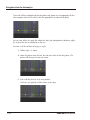
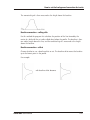
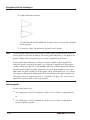
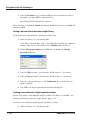
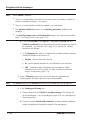
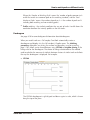
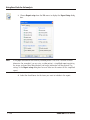
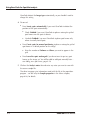
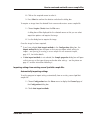
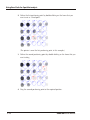
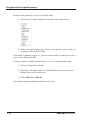
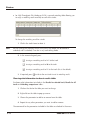
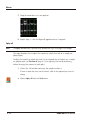
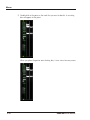
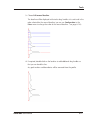
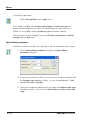
3 Move the pointer over the drag box at the first corner that you want to move.
The pointer will change to a four-way arrow.
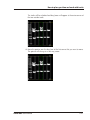
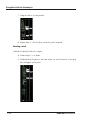
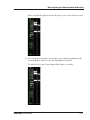
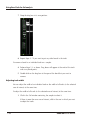
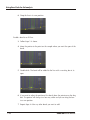
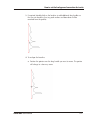
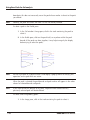
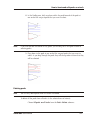
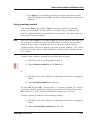
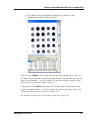
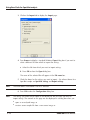
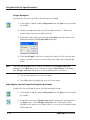
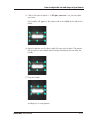
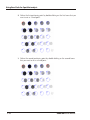
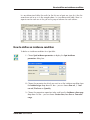
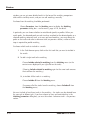
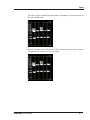
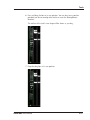
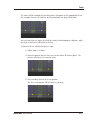
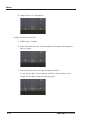
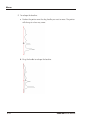
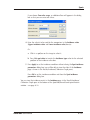
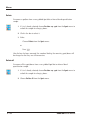
4 Press and drag the corner box to its new position.
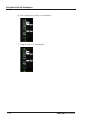
The outlines of the tracks’ new positions will be shown as you drag.
GeneTools User Manual
8-75