1
Delete Multiple Contacts:
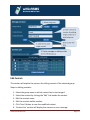
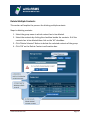
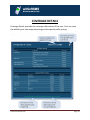
This section will explain the process for deleting multiple contacts.
Steps to deleting contacts:
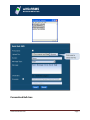
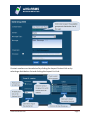
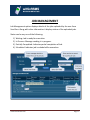
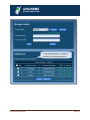
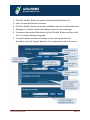
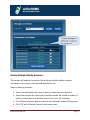
1. Select the group name in which contact has to be deleted.
2. Select the contacts by clicking the checkbox beside the contacts. If all the
contacts has to be deleted then click on the ‘All’ checkbox.
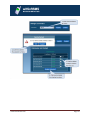
3. Click ‘Delete Selected’ Button to delete the selected contacts of the group.
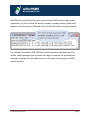
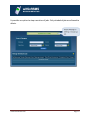
4. Click ‘OK’ on the Delete Contact confirmation box.
www.witsoftsms.com
Page 21