1
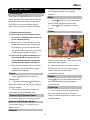
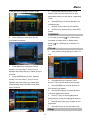
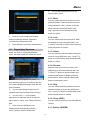
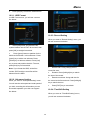
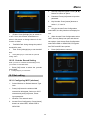
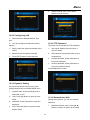
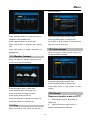
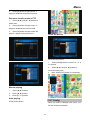
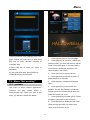
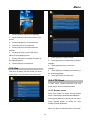
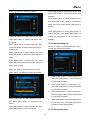
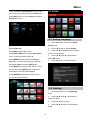
Menu When you press [GREEN] key, it will scan all channels or only scan free channels), display “New TP” in “Transponder” menu; program type (means you want to scan all You should set the parameters of channels or only scan TV/Radio channels), “Frequency” and “Symbol Rate” for this scan type (means preset scan, that is new transponder. The parameters of “TP searching the existed TP. Automatic Scan Frequency” and “Symbol Rate” can set by means blind scan. It is no need existed TP number keys. The available range are info) and NIT Search on/off. After you set up, “3000~13450 MHz” and press [OK] key to start scanning. “1000~45000Ks/s”. When you press [yellow] key, it will 9.1.12 Auto Diseqc display Edit TP menu, you could rejigger This function will try to analyze Your dish/LNB the parameters of TP configuration and automatically scan for When you press [blue] key, there will founded settings. show up a warning message for reminding whether you will delete the current transponder or not. If you select “Yes”, the current transponder will be deleted, and the total account of transponder will reduce 1 correspondingly. 2. For the existed transponder, you also can use number keys to modify the parameters of “TP Frequency” and “Symbol Rate”. 3. 9.2 Provider Scan When you complete your modification, This menu, you can scan the channels from the same provider. Press [RED] key, it will show up a dialog to ask you scan mode, program type, scan type and Press [/] keys to select the provider that you want. Press [RED] key to scan. NIT Search on/off. After you set up, press [OK] key to start scanning. 4. Press [F1] button to add channel, input the video PID, Audio PID and PCR PID, then 10. Menu “System” select video and audio format, at last choose When you enter to “system” menu, you will OK button and press [OK] key. see the screen like below: 5. In the “TP Scan” item, press [EXIT] key to exit the scanning and save the current parameters. 9.1.11 Single Scan 1. Press [RED] key, it will show up a dialog to ask you scan mode (means you want to 21