1
Digital Projection HIGHlite 740 Series
USING THE PROJECTOR
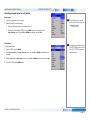
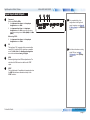
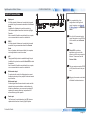
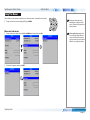
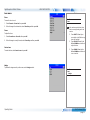
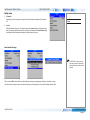
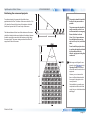
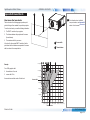
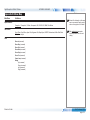
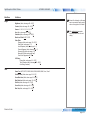
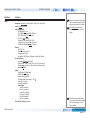
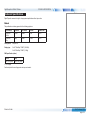
Lens menu
Notes
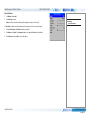
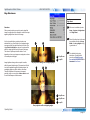
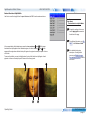
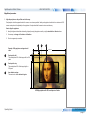
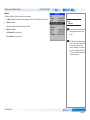
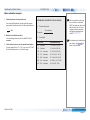
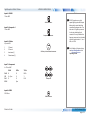
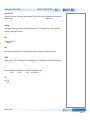
Zoom
To move the lens in or out:
1.
Select Zoom In or Zoom Out, then press OK.
2.
When the image is the desired size, select Zoom Stop and then press OK.
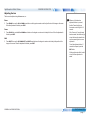
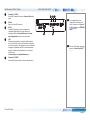
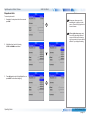
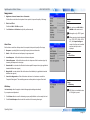
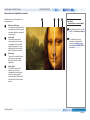
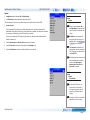
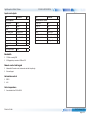
Focus
To adjust the focus:
1.
Select Focus Near or Focus Far, then press OK.
2.
When the image is correctly focused, select Focus Stop and then press OK.
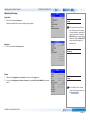
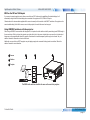
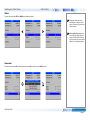
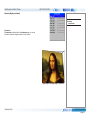
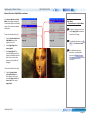
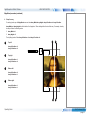
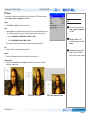
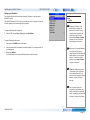
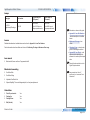
Center Lens
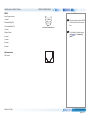
To center the lens, select Center Lens and press OK.
Main Menu
Lens
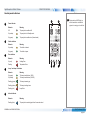
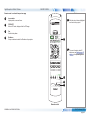
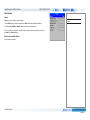
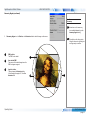
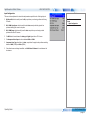
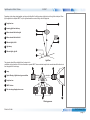
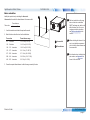
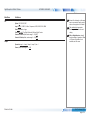
You can also move the lens, focus
and zoom using the keypad or the
remote:
•
•
•
Press SHIFT followed by an
arrow button to shift the lens up,
down, left and right.
Press FOCUS followed by the
UP and DOWN arrow buttons to
adjust the focus.
Press ZOOM followed by the
UP and DOWN arrow buttons to
zoom in and out.
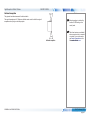
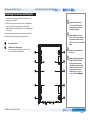
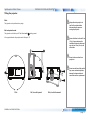
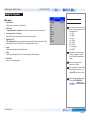
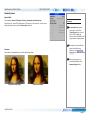
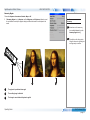
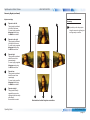
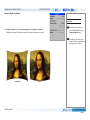
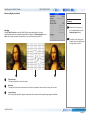
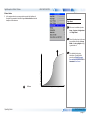
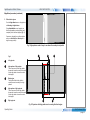
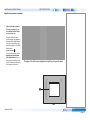
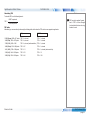
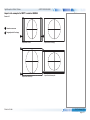
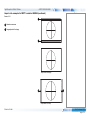
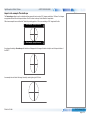
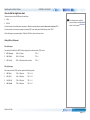
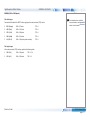
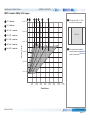
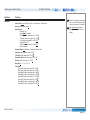
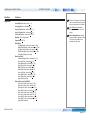
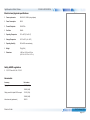
Nudge
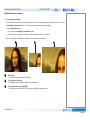
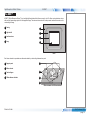
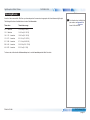
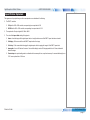
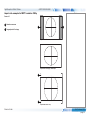
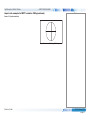
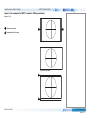
To position the image correctly on the screen, use the Nudge controls.
Operating Guide
Main Menu
Lens
Nudge
Rev I February 2015
page 34