1
CHAPTER 14. GENERAL SEQUENCE ANALYSES
261
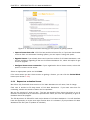
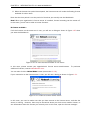
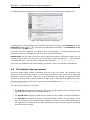
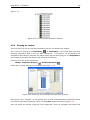
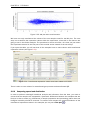
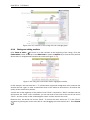
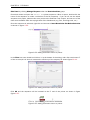
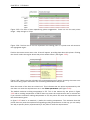
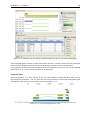
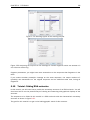
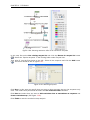
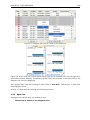
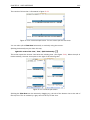
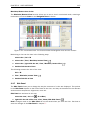
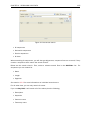
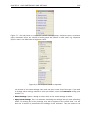
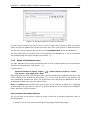
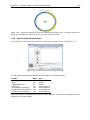
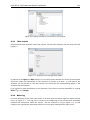
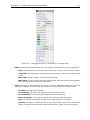
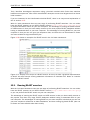
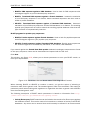
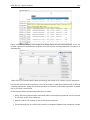
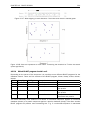
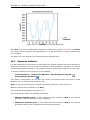
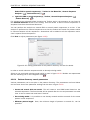
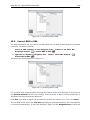
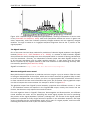
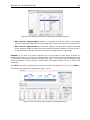
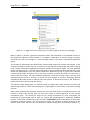
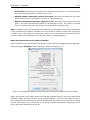
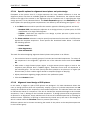
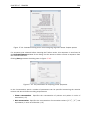
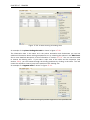
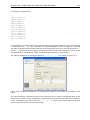
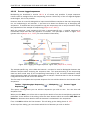
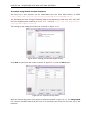
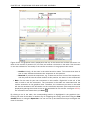
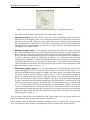
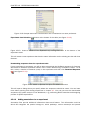
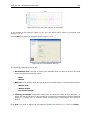
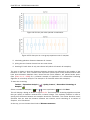
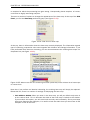
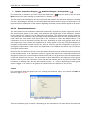
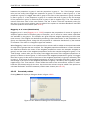
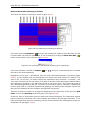
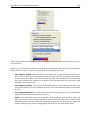
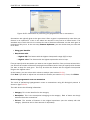
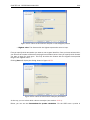
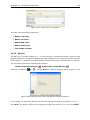
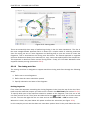
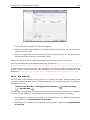
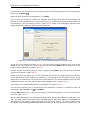
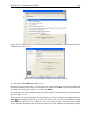
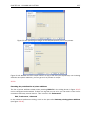
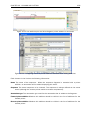
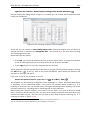
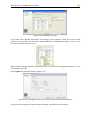
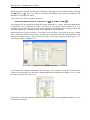
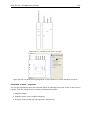
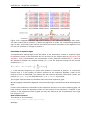
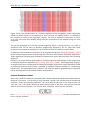
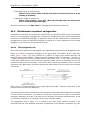
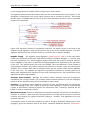
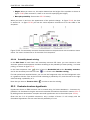
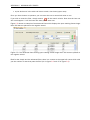
Placing the mouse cursor on the arrow will display additional information about the motif as
illustrated in figure 14.24.
Figure 14.24: Showing dynamic motifs on the sequence.
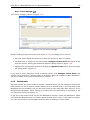
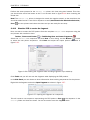
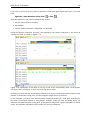
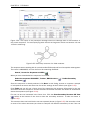
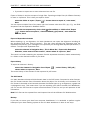
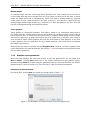
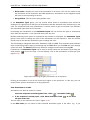
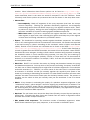
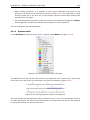
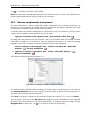
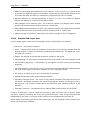
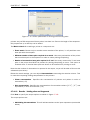
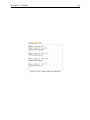
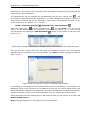
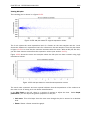
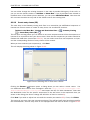
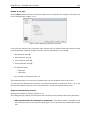
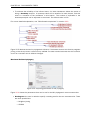
To add Labels to the motif, select the Flag or Stacked option. They will put the name of the motif
as a flag above the sequence. The stacked option will stack the labels when there is more than
one motif so that all labels are shown.
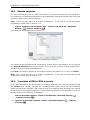
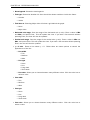
Below the labels option there are two options for controlling the way the sequence should be
searched for motifs:
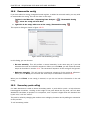
• Include reverse motifs. This will also find motifs on the negative strand (only available for
nucleotide sequences)
• Exclude unknown regions. The motif search handles ambiguous characters in the way that
two residues are different if they do not have any residues in common. For example: For
nucleotides, N matches any character and R matches A,G. For proteins, X matches any
character and Z matches E,Q. Genome sequence often have large regions with unknown
sequence. These regions are very often padded with N's. Ticking this checkbox will not
display hits found in N-regions.
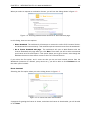
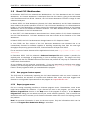
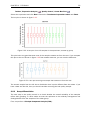
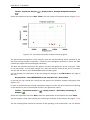
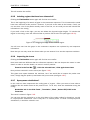
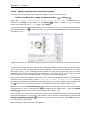
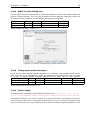
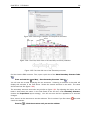
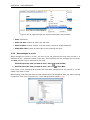
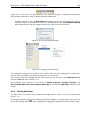
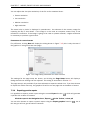
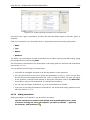
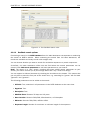
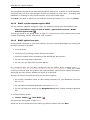
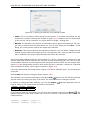
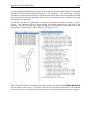
The list of motifs shown in figure 14.22 is a pre-defined list that is included with the CLC Main
Workbench. You can define your own set of motifs to use instead. In order to do this, you first
need to create a Motif list ( ) (see section 14.7.4) and then click the Manage Motifs button.
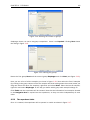
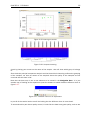
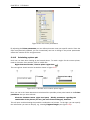
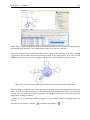
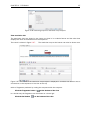
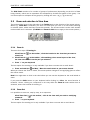
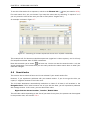
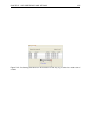
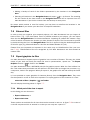
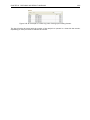
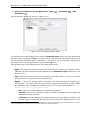
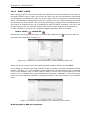
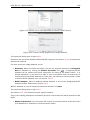
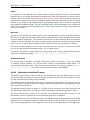
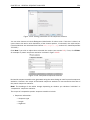
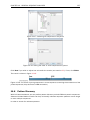
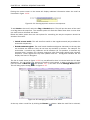
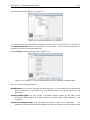
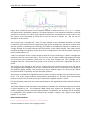
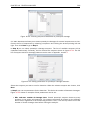
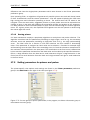
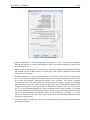
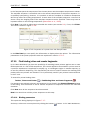
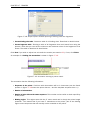
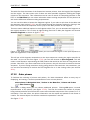
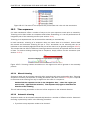
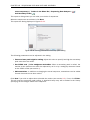
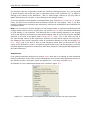
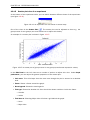
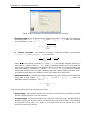
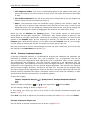
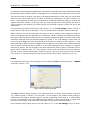
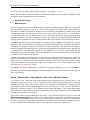
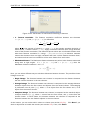
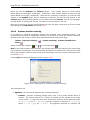
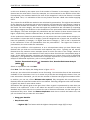
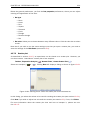
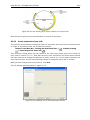
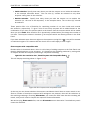
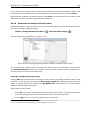
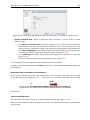
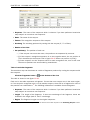
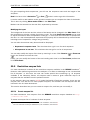
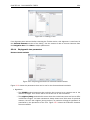
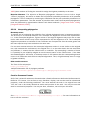
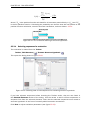
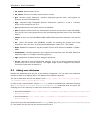
This will bring up the dialog shown in figure 14.25.
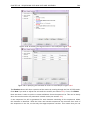
Figure 14.25: Managing the motifs to be shown.
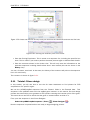
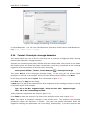
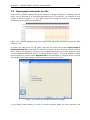
At the top, select a motif list by clicking the Browse (
) button. When the motif list is selected,