1
Chapter 8 Provisioning Rules
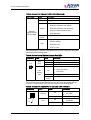
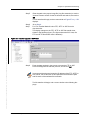
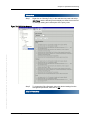
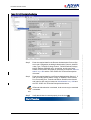
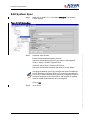
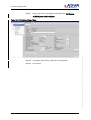
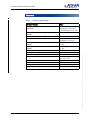
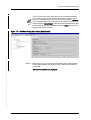
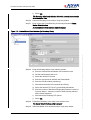
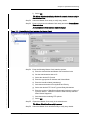
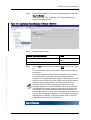
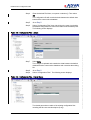
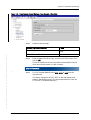
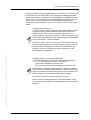
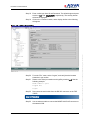
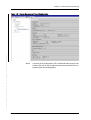
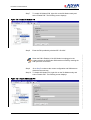
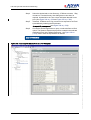
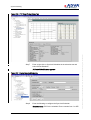
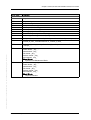
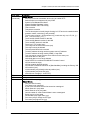
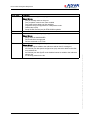
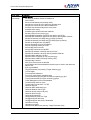
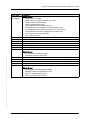
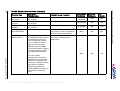
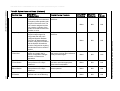
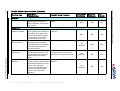
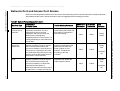
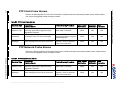
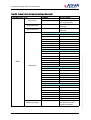
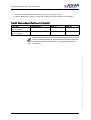
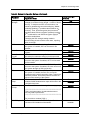
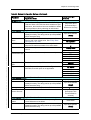
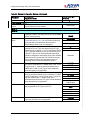
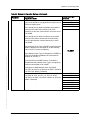
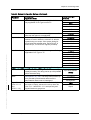
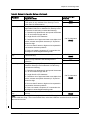
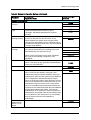
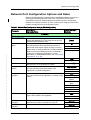
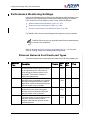
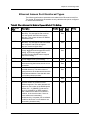
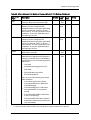
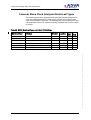
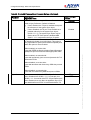
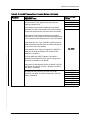
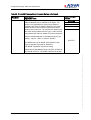
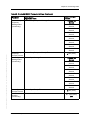
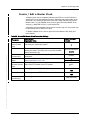
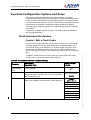
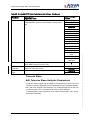
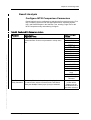
Table 60: Edit Telecom Slave Analysis
Parameter
Description /
Applicable Rules
Frequency
Recovery Target
Drop-down list to select the desired frequency recovery
target.
Phase Recovery
Target
Enter the desired phase recovery target. Range is from 1
to 100,000 nanoseconds. Default is 500.
Option Settings /
Defaults
G823-PDH-Traffic
G823-PDH-Sync
G8261.1-OutputWander
500
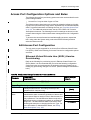
PTP Network Analysis Parameters
FSP 150SP-100 R6.1.1 80000026364 Issue: A, © 2014 ADVA Optical Networking SE - Confidential
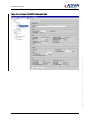
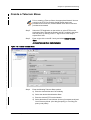
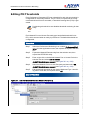
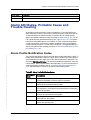
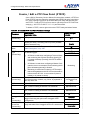
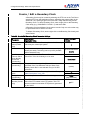
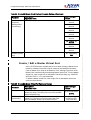
Create / Edit a PTP Network Probe (PTP Probe)
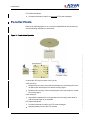
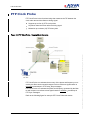
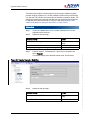
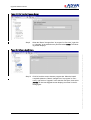
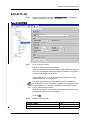
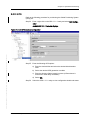
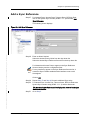
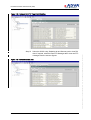
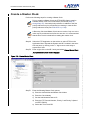
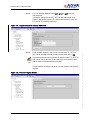
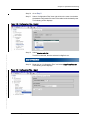
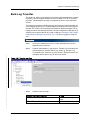
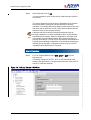
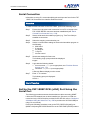
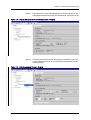
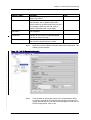
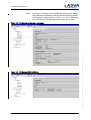
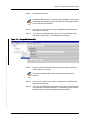
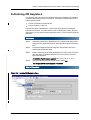
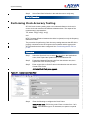
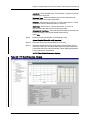
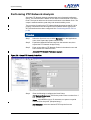
A PTP Network Probe may be created by selecting the SyncJack icon on the
Tool Bar or selecting SyncJack from the Applications menu, expanding System,
NE-1 and PTP Network Analysis in the Selection Tree, entering a right click on
the PTP Network Probes entity and selecting Create PTP Network Probe. To
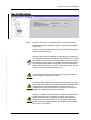
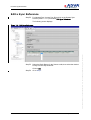
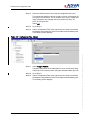
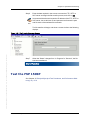
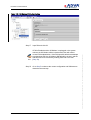
edit an existing PTP Network Probe, enter a right click on the PTP Network
Probe entity (PTP-Network-Probe-1-1) and select Edit.
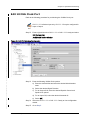
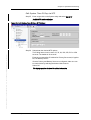
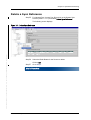
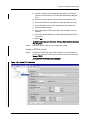
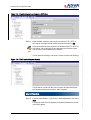
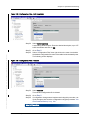
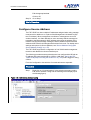
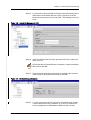
To delete a PTP Network Probe, enter a right click on the PTP Network Probe
entity (PTP-Network-Probe-1-1) and select Delete, then select OK.
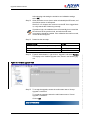
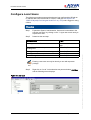
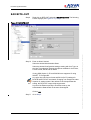
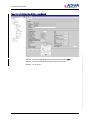
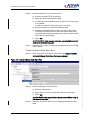
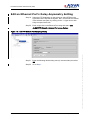
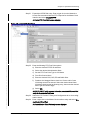
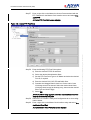
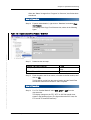
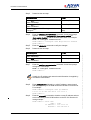
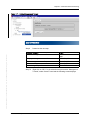
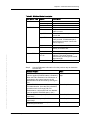
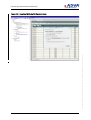
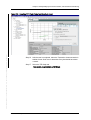
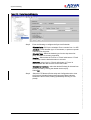
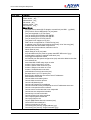
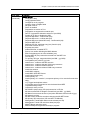
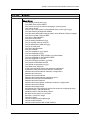
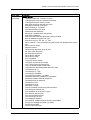
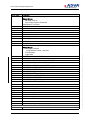
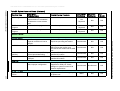
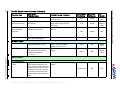
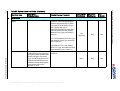
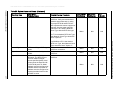
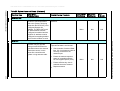
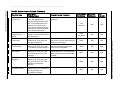
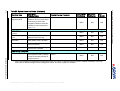
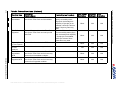
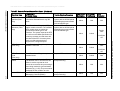
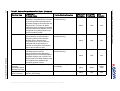
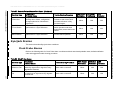
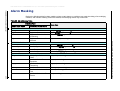
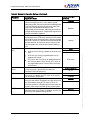
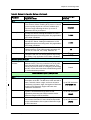
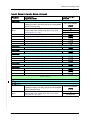
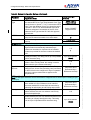
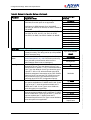
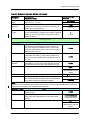
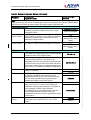
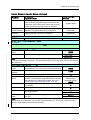
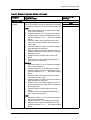
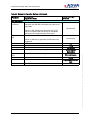
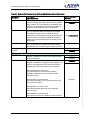
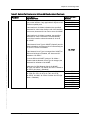
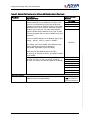
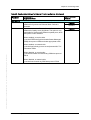
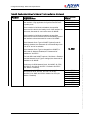
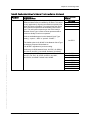
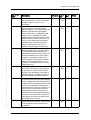
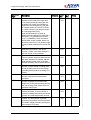
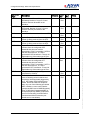
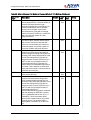
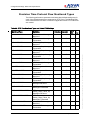
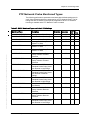
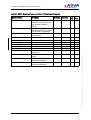
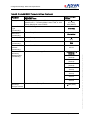
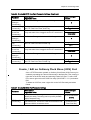
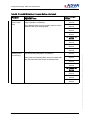
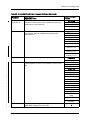
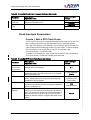
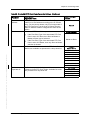
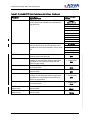
Table 61: Create/Edit PTP Clock Probe Parameter Settings
Parameter
PTP Probe Index
(Create only)
Name
PTP Flowpoint
IP Version
Master IP Address
Slave IP Address
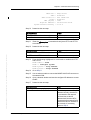
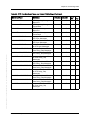
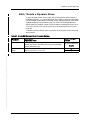
Description /
Applicable Rules
PTP Probe Index. Number is automatically
indexed, but is user editable.
A text and/or number string the user enters to
uniquely identify this entity. This string can be up
to 15 printable ASCII characters long.
Identifies the PTP Flowpoint used by the PTP
Clock Probe. A drop-down list of the provisioned
flowpoints available for use is provided
Defines whether the PTP Clock Probe uses IPv4
or IPv6. For the current release only IPv4 is
supported. Selection is from a drop-down list.
Entry for the IP address of the Master Clock.
Entry is a valid IPv4 or IPv6 address according to
the IP Version entry. For the current release, only
IPv4 is supported.
Entry for the IP address of the Slave Clock. Entry
is a valid IPv4 or IPv6 address according to the IP
Version entry. For the current release, only IPv4
is supported.
Installation and Operations Manual
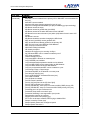
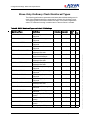
Option Settings /
Defaults
1-32
1 to 15 characters
(blank)
(drop-down list of
provisioned PTP
Flowpoints)
IPv4
(drop-down list)
0.0.0.0
0.0.0.0
519