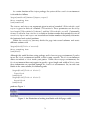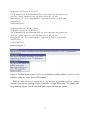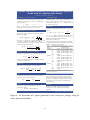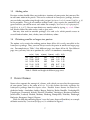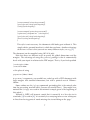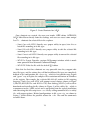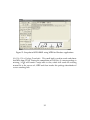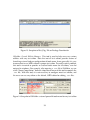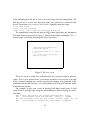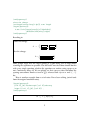
1
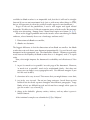
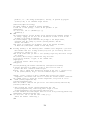
return 0;
}
EOF
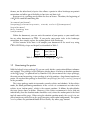
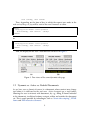
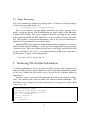
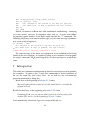
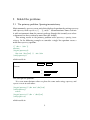
(In the above, I used the cat Unix command to create a file in a manner known
as here document, where my delimiting identifier was the string EOF.)
Once I have written my program, it is only natural to invoke the C compiler
to translate it into an executable.
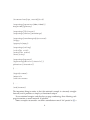
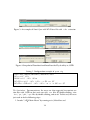
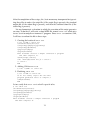
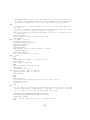
% cc hello . c
My little story reaches its climax when the program I created and compiled is
executed, making sure that it prints the desired “Hello, World!” greeting.
% ./ a . out
Hello , World !
2.2 Retrospection
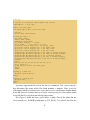
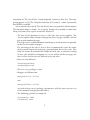
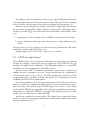
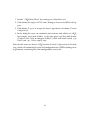
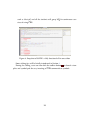
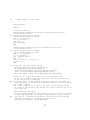
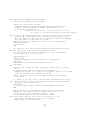
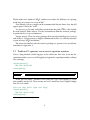
The document you are reading was generated from a LATEX input file whose name
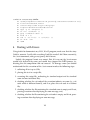
is 00.tex. Examining file 00.tex, you can see what I wrote in it to tell my story
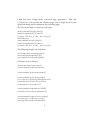
of the creation of file hello.c at the beginning of Section 2.1 above.
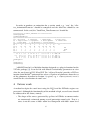
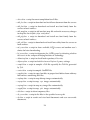
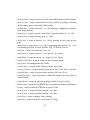
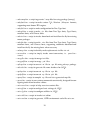
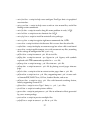
325
326
327
328
329
330
331
332
333
334
335
336
337
338
339
340
341
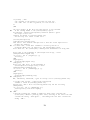
\ subsection { ` ` Hello , World ! ' ' , Said Again }\ label { Section : story }
My story begins with the creation of a text file named
\ texttt { hello . c } , in which the program is stored .
\ bash [ environment = quote , script ]
cat << EOF > hello . c
/*
** hello . c : My first C program ; it prints
** " Hello , World !" , and dies .
*/
# include < stdio .h >
int main ()
{
printf (" Hello , World !\ n ");
return 0;
}
EOF
\ END
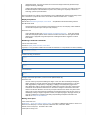
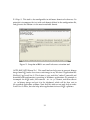
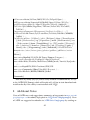
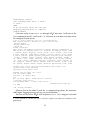
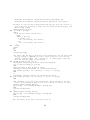
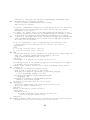
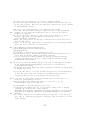
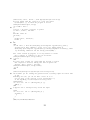
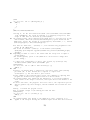
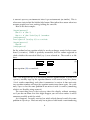
In doing so, all the text between the \bash (line 328) and \END (line 341) was
copied by LATEX to a temporary script file; this script is then sent for execution by Bash. The script option instructed the \bash macro to list this file in
6