1
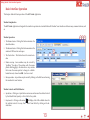
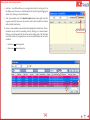
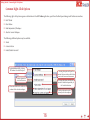
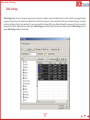
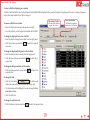
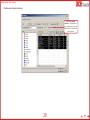
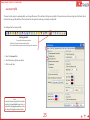
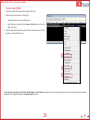
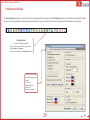
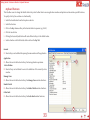
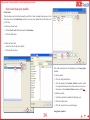
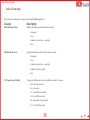
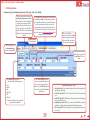
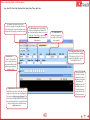
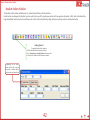
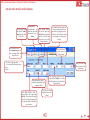
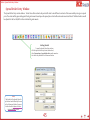
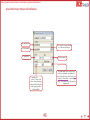
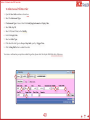
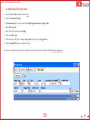
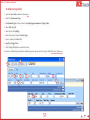
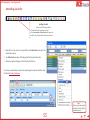
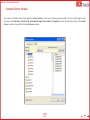
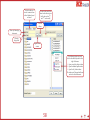
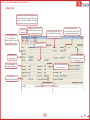
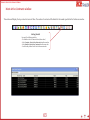
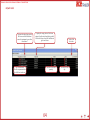
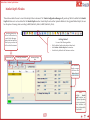
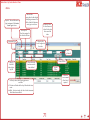
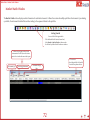
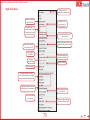
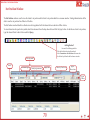
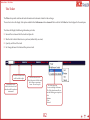
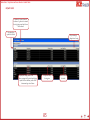
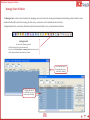
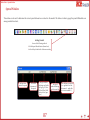
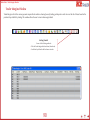
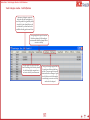
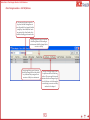
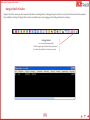
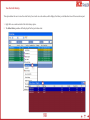
Market Data > Market Depth Window Market Depth Window This window enables the user to view the book depth of an instrument. The Trader Configuration Manager will permit any field to be added to the Market Depth definition so it can be selected for the Market Depth window. Market Depth can be either Spatial or Multicast. Using Spatial Market Depth, the user has the option of viewing orders according to MBO (Market By Order) or MBP (Market By Price). Specifying these allows the user to filter orders by symbol. Select the appropriate details and press the Enter key to open a new tab for the selected instrument. Instrument type Underlying Instrument Getting Started Use one of the following methods: Click the Market Depth window button (shown here) Select Market > Market Depth on the menu bar Use the hot key defined in the Preferences window Instrument Expiry Date The dashboard displays a summarized view of the Market Watch window statistics. Note: Multiple Market Depth windows can be opened depending on user requirements. These windows will behave independently of each other. 69