1
6TFS.BOVBM
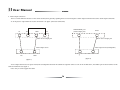
2. Instruction of visiting the NVR in WAN
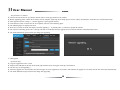
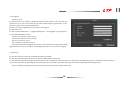
Method 1: You have fixed WAN IP for NVR,so you can connect directly NVR to the Internet,set the right IP,DNS,gateway,then you can visit the NVR after that.
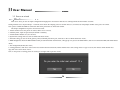
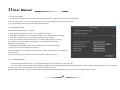
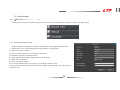
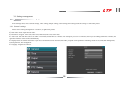
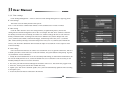
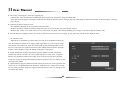
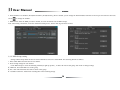
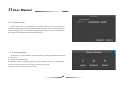
Method 2: Click menu in DVR,enter into the "network",choose "PPPOE setting",click login after inputting username and password,then NVR can connect to the internet by dial.After
success,NVR will show the related information.We can visit through Wan by inputting the IP obtained by dial.
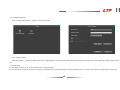
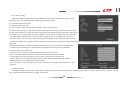
Method 3: Port forward,fotmat :http://WAN IP:http port ;http://domain:http port.
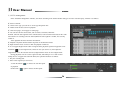
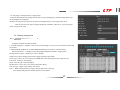
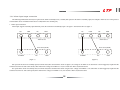
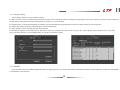
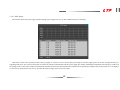
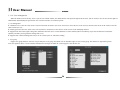
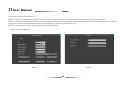
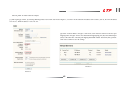
Router port forward instruction:
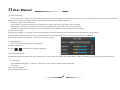
Picture 1
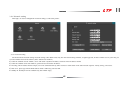
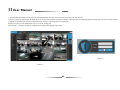
Picture 2
62