1
User Manual
Modbus Master / Ethernet
Document code: MN67506_ENG
Revision 1.100
Page 21 of 30
Industrial Electronic Devices
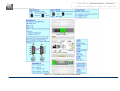
If you know the actual IP address of the device, you have to use this procedure:
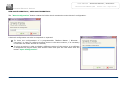
Turn on the Device with the Ethernet cable inserted;
Insert the actual IP of the Converter;
Press the “Ping” button, must appear “Device Found!”;
Press the “Next” button;
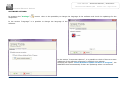
Select which operations you want to do;
Press the “Execute update firmware” button to start the upload;
When all the operations are “OK” the device automatically goes at
Normal Mode.
At this point the configuration/firmware on the device is correctly update.
Note:
When you install a new version of the software, if it is the first time it is better you do the update of the Firmware in the HD67506
device.
Note:
When you receive the device, for the first time, you also have to update the Firmware in the HD67506 device.
Warning:
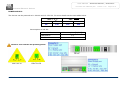
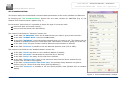
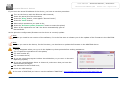
If Fig. 6 appears when you try to do the Update try these points before seeking assistance:
Try to repeat the operations for the update;
Try with another PC;
Try to restart the PC;
If you are using the program inside a Virtual Machine, try to use it in the main
Operating System;
If you are using Windows Seven or Vista or 8, make sure that you have the
administrator privileges;
Pay attention to the Firewall lock;
Check the LAN settings.
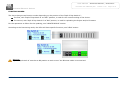
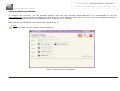
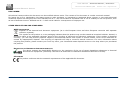
Figure 7: “Protection” window
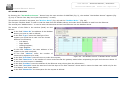
In the case of HD67506 you have to use the software “SW67506”: www.adfweb.com\download\filefold\SW67506.zip.
ADFweb.com S.r.l.