1
ABSENCE DATA | PAGE 21 of 26
tie their payroll system to Aesop will check for this “reconciled” flag before processing payment for
the substitute.
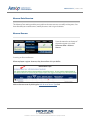
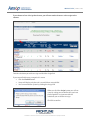
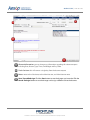
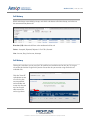
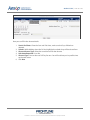
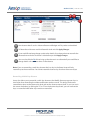
To reconcile absences from
the Web Navigator follow
this path from the black
menu bar.
1.
2.
3.
4.
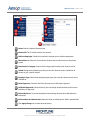
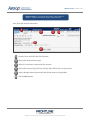
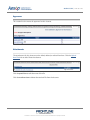
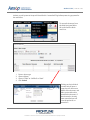
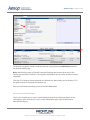
Enter a date range
Choose School
Choose “Filled” or “Unfilled” or “Both”
Click Submit
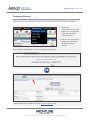
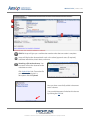
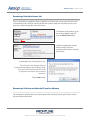
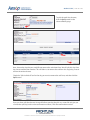
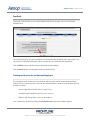
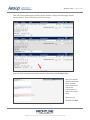
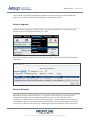
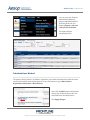
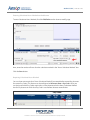
Clicking on the individual
number link will open a
page that will show more
details of the absences and
allow you to edit and/or
reconcile the absences. If
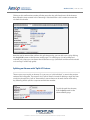
the absence has already
been reconciled you will
have the option to unreconcile it.
April - ©2013 Frontline Technologies, Inc.
Confidential - Information in this document should not be distributed unless explicitly authorized.