1
Configure the 1783-NATR Device
Chapter 2
Device Services
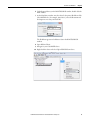
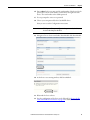
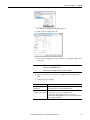
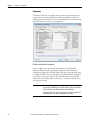
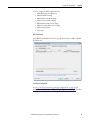
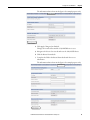
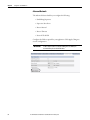
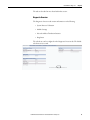
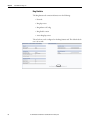
The Device Services tab lets you configure the following:
• Public Administration Interface
• HTTP Web Server
• Password
• Module Reset
• Save and Restore
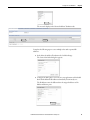
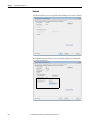
Configure the fields as required for your application. Click Apply Changes to
save the configuration. Click Reset Module to reset the device.
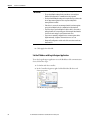
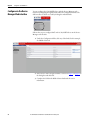
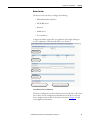
Save and Restore Device Configuration
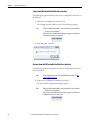
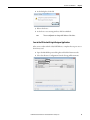
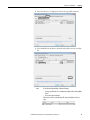
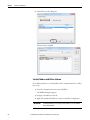
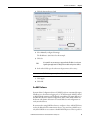
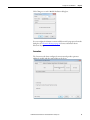
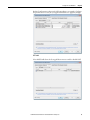
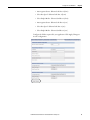
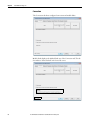
The Device Configuration can be saved and restored to an SD card or a file. Click
Save to File to save the configuration and click Restore from File to restore the
device configuration from a file. See the SD card sections in Chapter 1 for SD
card configuration information.
Rockwell Automation Publication 1783-UM008A-EN-P - February 2015
53